
How to Install ClamAV
In this article, we’ll guide you through the process of installing the ClamAV plugin in…

In this article, we are going to explain what is Apache Spam Assassin and how to enable Apache SpamAssassin.
Apache SpamAssassin is an open-source Apache Project email application that analyses incoming mail for various spam characteristics. It was originally made generally available in April 2001, when it was imported into Sourceforge. Apache SpamAssassin employs a combination of network testing and spam filtering to determine if a message should be considered spam or not.
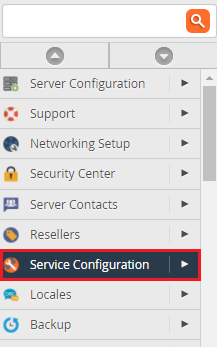
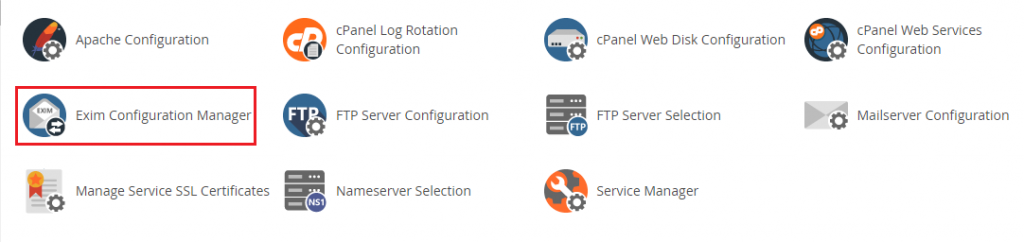
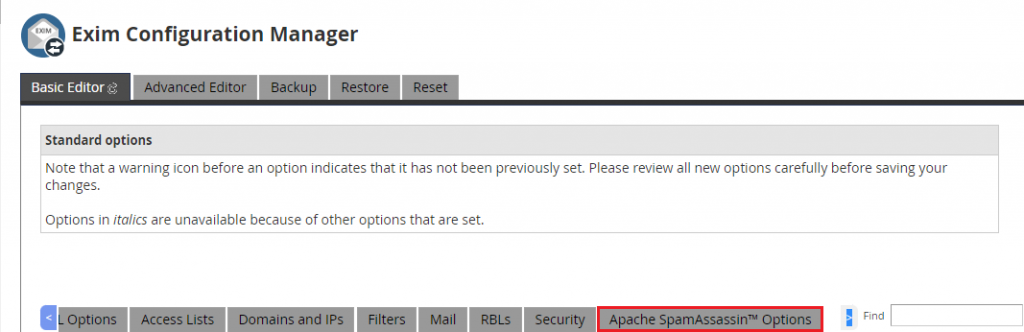
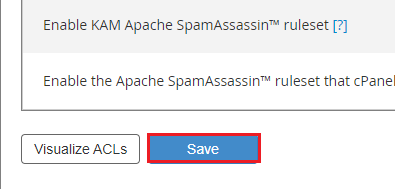
Follow the following steps to enable the force Apache SpamAssassin


Conclusion
We hope that you now have a good understanding of How To Enabled The Force of Apache SpamAssassin. If you continue to have problems with the protocol outlined above, please contact the bodHOST Team for constructive assistance.
Read more about How to set up Apache Virtual Hosts in CentOS 7.
Explore more hosting insights, tips and industry updates.
In this article, we’ll guide you through the process of installing the ClamAV plugin in…
When you’re hosting multiple websites on the same server using name-based virtual hosting, your server…
Some cloud server providers disable SSH password authentication by default for security reasons. Instead, they…