
Plesk Control Panel > Desktop Customization
To add or remove items from the desktop follow these steps: First Go to Desktop…

WHM is a web hosting reseller’s administrative control panel. You can manage your VPS/Reseller account and all of its accounts using WHM.
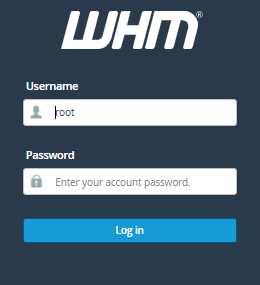
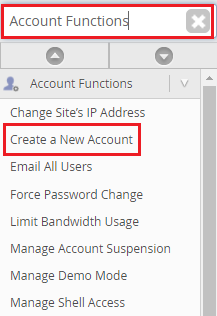
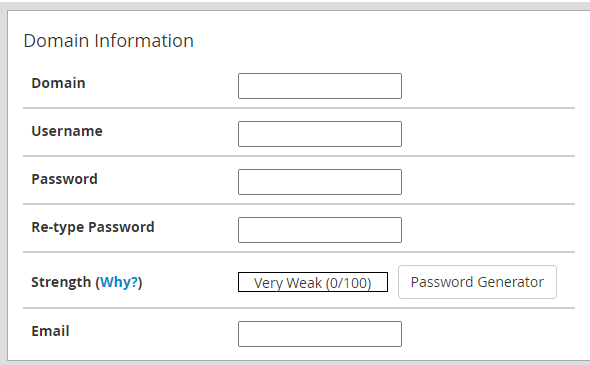
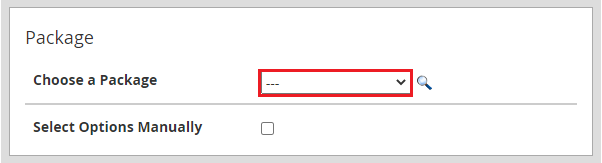
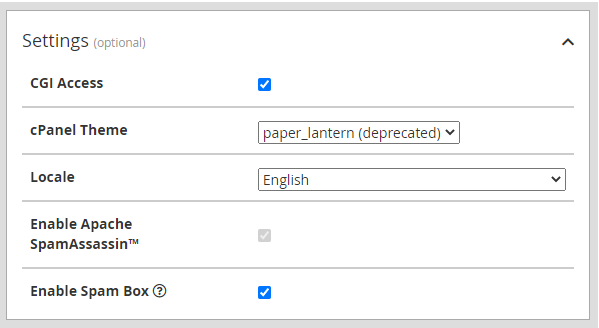
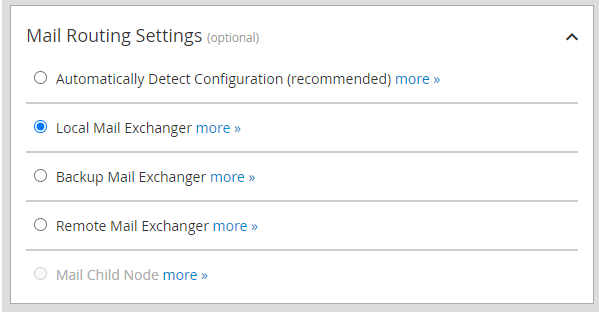
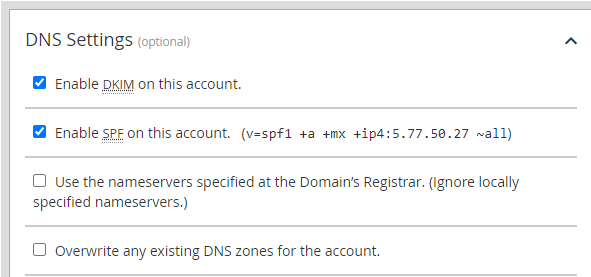
Let’s look at how to use WHM to create multiple accounts.
Conclusion
Feel free, to ask any questions related to web hosting services! However, if you still face difficulties with the above procedure, feel free to contact the bodHOST team.

Explore more hosting insights, tips and industry updates.
To add or remove items from the desktop follow these steps: First Go to Desktop…
PHPMotion script is a good resource for video-sharing applications, and a lot of customers use…
Apache is an open-source HTTP server. It comes with a lot of useful features and can…