Business, Technology and Dedicated Servers
Today, with so much advancement in the technology, doing online business has become one of…

In this article, we will explain how to change the Apache Port. Sometimes you need to leave the Apache while running, but you want to run on a different port as well. So you are lucky as Apache has a section where you can quickly change this.
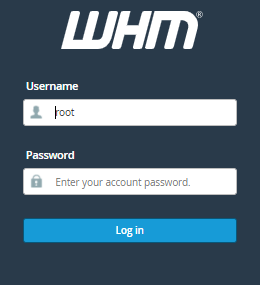
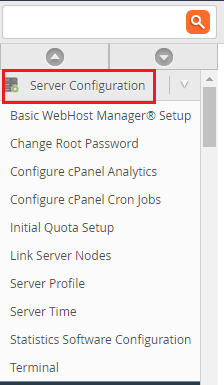
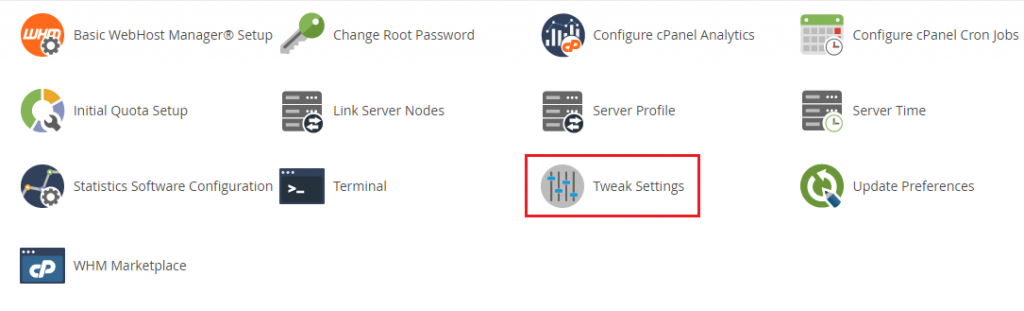
Follow the following procedure to change the Apache Port

Conclusion
We hope that you now have a good understanding of How To Change The Apache Port. If you continue to have problems with the protocol outlined above, please contact the bodHOST Team for constructive assistance.

Explore more hosting insights, tips and industry updates.
Today, with so much advancement in the technology, doing online business has become one of…
Python is a versatile programming language, popular among developers, data scientists, and researchers. Its simplicity…
If you are trying to resolve WordPress image upload issues, then you’re not the only…