
cPanel and Webmail Accessing Behind a Firewall
Sometimes, Access to cPanel and Webmail blocks firewall using standard ports (2082, 2083, 2085, 2096).…

Red Hat Package Manager is known as RPM. The cPanel & WHM server comes with certain pre-installed RPMs as well as the ability to add more. This is what you will learn about in this essay.
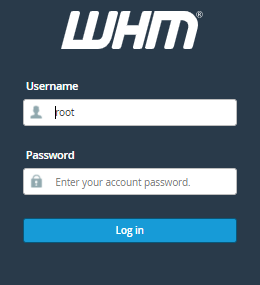
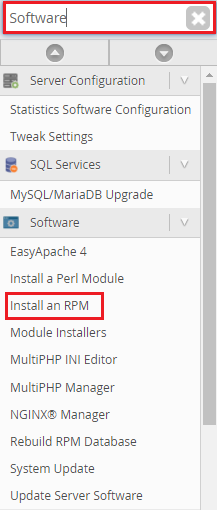
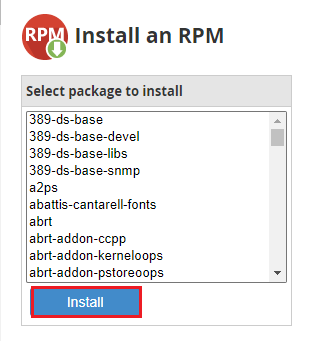
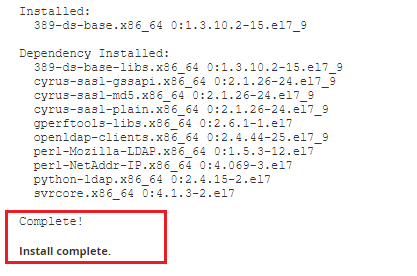
This guide will show you how to install an RPM using WHM.
Conclusion
You may install the RPM in WHM this way. It is a natural procedure for everyone to endure hardships. We are, nonetheless, available to assist you. As a result, you can contact the bodHOST support team for assistance. We’d be delighted to help you.

Explore more hosting insights, tips and industry updates.
Sometimes, Access to cPanel and Webmail blocks firewall using standard ports (2082, 2083, 2085, 2096).…
GlobalSign is seen as one of the world’s first providers of SSL certificates, having been…
What is a Dedicated Server? A Dedicated Server is an advanced form of hosting in…