
How to make PHP work with IIS
To make PHP work with IIS: Install PHP: Download and install PHP on your computer.…


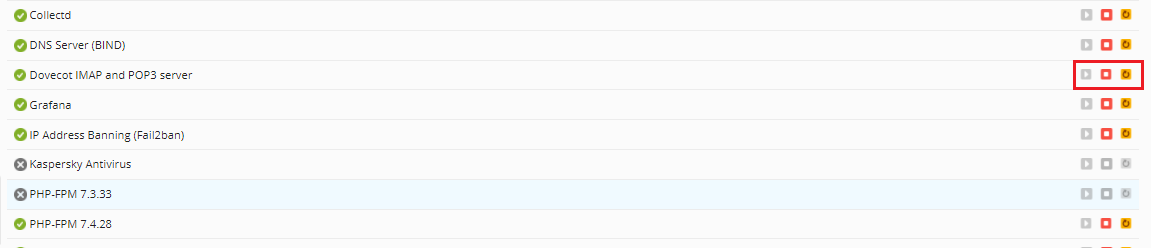
In this tutorial, you’ll learn how to restart services in the Plesk control panel. You may need to use a control panel like Plesk to start, stop, or restart server services on occasion.
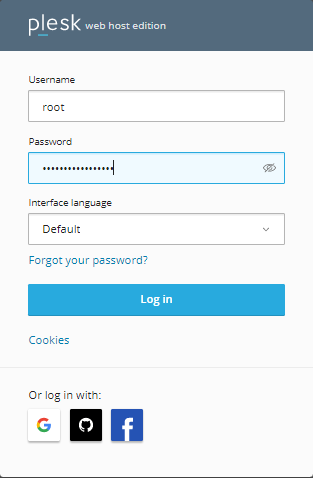
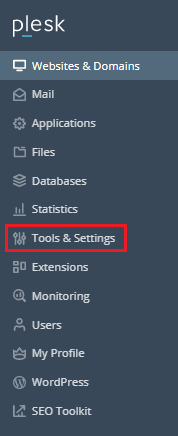
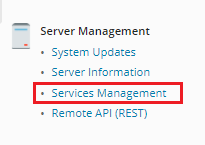
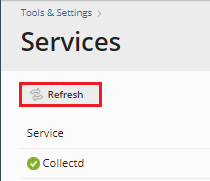
Let’s go over the steps:
Conclusion
Wasn’t that simple? If you run into any problems while completing these instructions, please contact our support team. You can also make a phone call or submit a ticket. Take a look at our most recent Web hosting plans.

Explore more hosting insights, tips and industry updates.
To make PHP work with IIS: Install PHP: Download and install PHP on your computer.…
If you want to manage files/folders through WinSCP then you can follow the following steps.…
The mail queue in WHM is used to manage the emails, and that is what…