
DNS Configuration: Everything You Need to Know
This guide covers key DNS components, common record types, configuration steps, best practices, and troubleshooting…

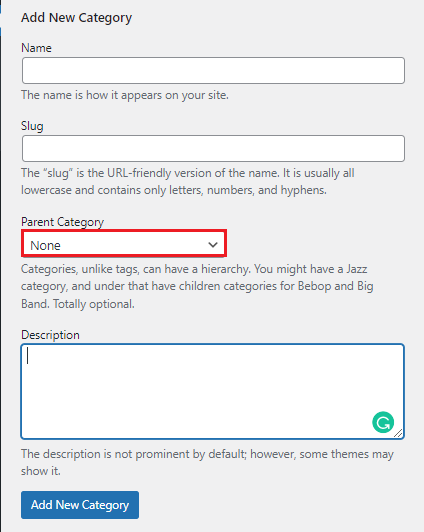
WordPress categories are an excellent method to organise your material. To organise your posts in a hierarchical sequence, utilise the parent and child categories. Furthermore, a single post can be expanded to include many categories. This gives you a lot of flexibility when it comes to displaying content in widgets, menus, and your WordPress theme itself.
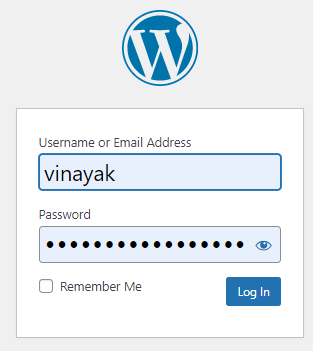
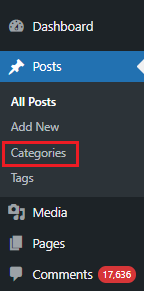
Follow the following steps to use WordPress categories
Conclusion
We hope that you now have a good understanding of How To Add WordPress Categories. If you continue to have problems with the protocol outlined above, please contact the bodHOST Team for constructive assistance 24×7.
Read Also: How To Install A New Theme In WordPress

Explore more hosting insights, tips and industry updates.
This guide covers key DNS components, common record types, configuration steps, best practices, and troubleshooting…
Google’s Gmail provides a free SMTP server, it can be utilizing by anybody who has…
VHFFS is a set of tools to manage a web hosting platform initiated by pooled…