

How to Change Directories in Command Prompt (CMD)
This article explains how to change directories in CMD easily. When working in the Windows…

This tutorial will explain to you how to disable PHP functions in WHM. You can disable PHP functions for your using WHM.
Some PHP functions on your servers can be used by hackers for malicious purposes, making them more vulnerable. Even though these functions are not intended to be dangerous, it is preferable to disable them to improve security.
Let’s take a look at how to disable PHP functions in WHM:
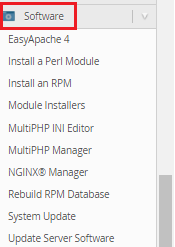

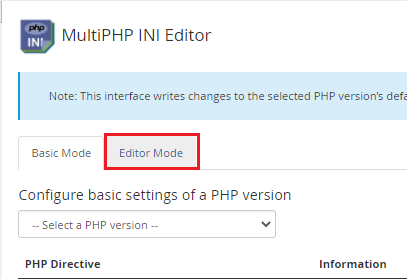
Note - Scroll down to the directives of INI settings and look for
"Disable functions."
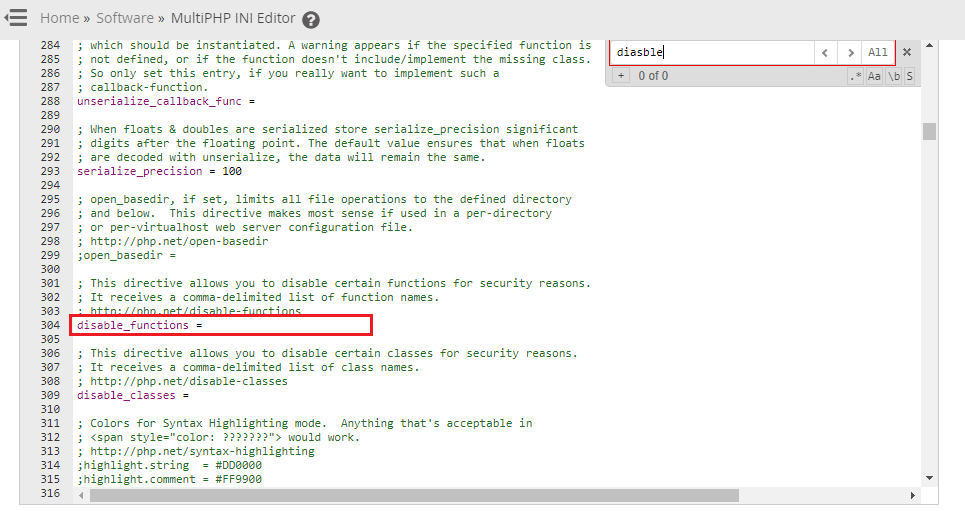
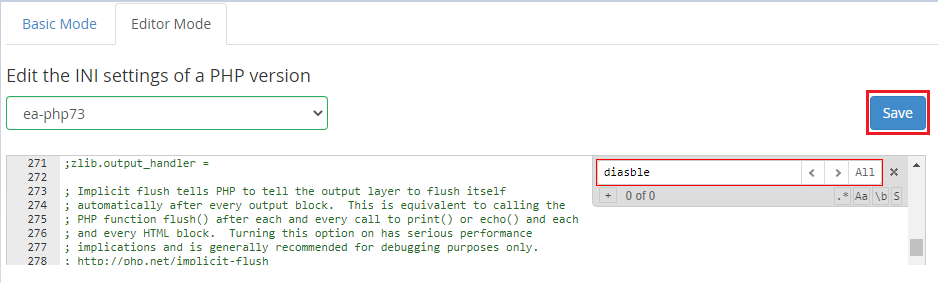
So, this is how you disable PHP functions in WHM to avoid hacking. We hope you found it beneficial. Please feel free to contact our customer service department at any time.
Readout our knowledge articles, blog posts, and information on our extensive hosting services can be found on the bodHOST.

Explore more hosting insights, tips and industry updates.
This article explains how to change directories in CMD easily. When working in the Windows…
In this guide, we will look at how to check the PHP version and settings…
Go to cPanel >> Click on “Advanced DNS Zone Editor” Once you will click on…