Dedicated Servers with Mirroring for Data Security
Dedicated Server Mirroring Server mirroring is a process that requires two identical servers at the…

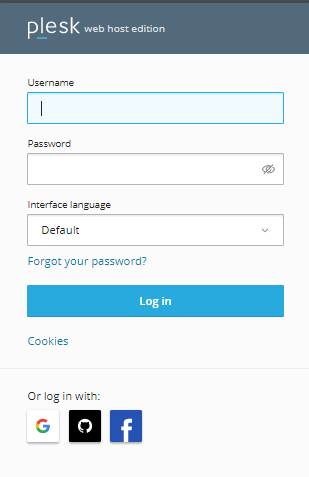
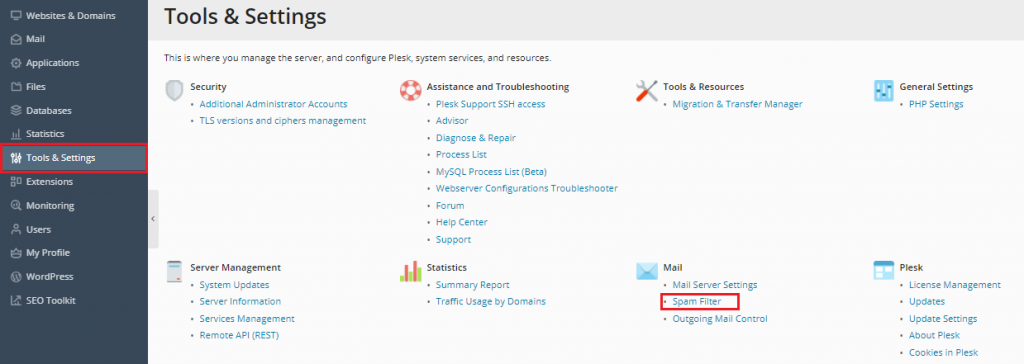
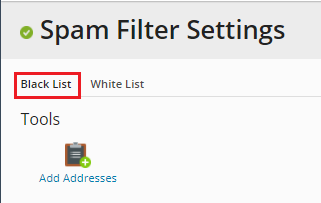
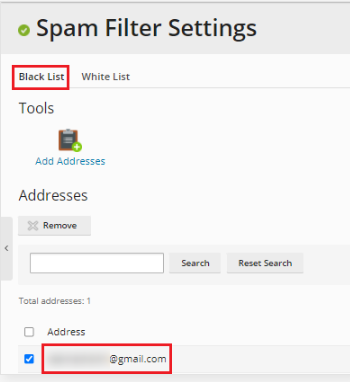
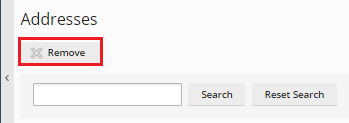
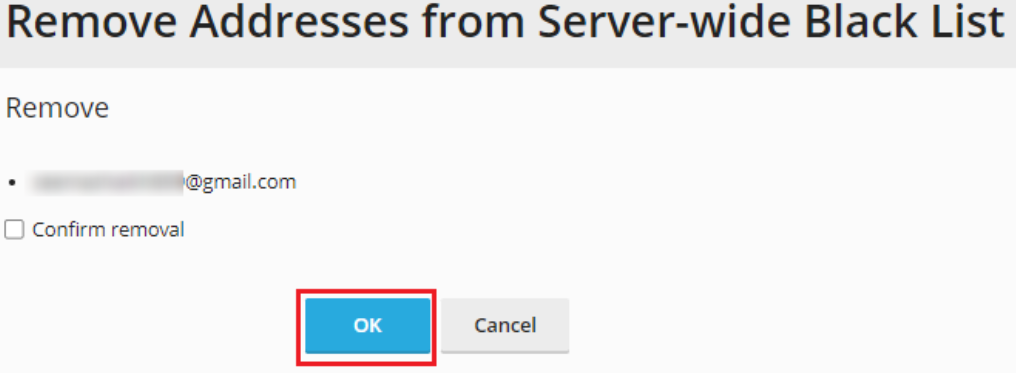
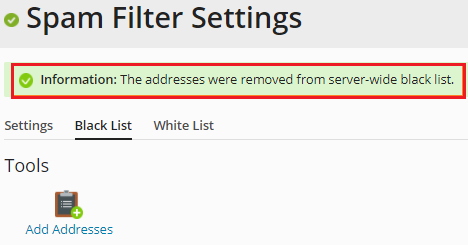
This article will explain how to remove a domain from Plesk’s blacklist. Once you add an address to the blacklist, you will no longer receive messages from that email. If you want to remove a specific email address from the list, however, follow the following steps:
We hope that you now have a good understanding of Remove a Domain from Plesk Blacklist. If you continue to have problems with the protocol outlined above, please contact the bodHOST Team for constructive assistance 24×7.
Read Also: How to Connect Plesk with External Database Servers

Explore more hosting insights, tips and industry updates.
Dedicated Server Mirroring Server mirroring is a process that requires two identical servers at the…
Windows Server 2012 is Microsoft’s latest and greatest software management system designed to bridge the…
This article explains how to use the Telnet command. It is a handy tool for…