

How to Use Git Checkout to Switch Branches and Revisit Commits
The git checkout command is a versatile tool used primarily to switch between different versions…

Updating your password is good for your website’s health and will protect it from hackers. You should always update your password so that your website is secure and you are safe from hackers.
So, let’s go over how to update or change your Softaculous root password from cPanel.
1. Log into your “cPanel account”
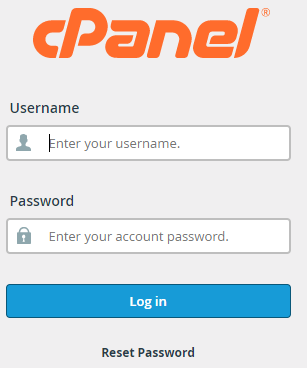
2. Click on the “Softaculous Apps Installer” option from the “Software” category.

3. Find out the “Installations” tab and click on it.

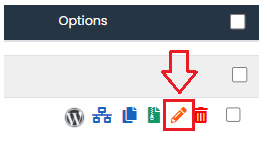
4. Click on the “Edit” option
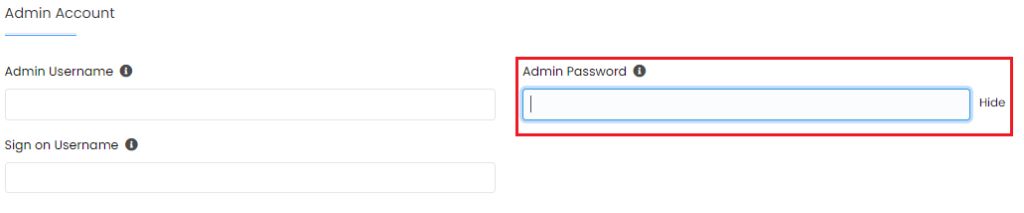
5. Now, Find the “Admin Account” Enter the “Admin Username” and Create a new “Admin Password”
6. Once you update your New Password Click on the “Save Installation Details”
7. After clicking on the “Save” button You will receive a success message.
We hope that you now have a good understanding of Reset Your Admin Password With Softaculous in cPanel. If you continue to have problems with the protocol outlined above, please contact the bodHOST Team for constructive assistance 24×7.

Explore more hosting insights, tips and industry updates.
The git checkout command is a versatile tool used primarily to switch between different versions…
> Log in as root.>Type cd/usr/bin>Download and extract firewall (tar zxvf kiss-2.0.1.tar.gz)>If you need to…
WordPress categories are an excellent method to organise your material. To organise your posts in…