
How to Redirect a Website from http to https?
You can follow any of the three methods mentioned below for redirecting your website from…

Error logs help you identify problems with your website, such as script errors, missing files, or server-related issues. cPanel makes it easy to view these logs so you can quickly find and troubleshoot problems.
Follow the steps below to check your error log in cPanel:
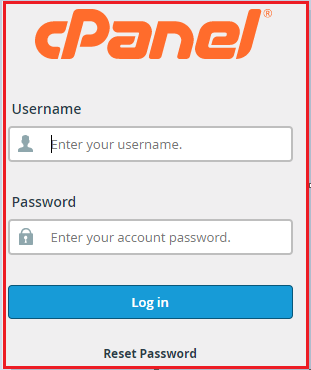
1. Log in to your cPanel account
Open your web browser and sign in to cPanel using your account username and password.
2. Go to the Metrics section
Once inside cPanel, scroll down or use the search bar to find the Metrics section. This area contains tools related to website statistics and logs.

3. Click on Errors
In the Metrics section, click the Errors icon. This will open the error log page for your account.
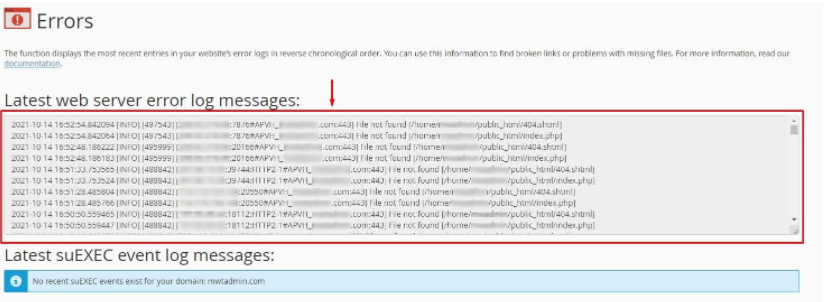
4. Review the error messages
The page will display a list of the latest web server error log messages in reverse chronological order (newest errors appear first). These messages can help you identify issues affecting your website, such as broken scripts, missing files, or permission problems.
We hope this helps you understand how to view your error log in cPanel. If you continue to face any issues, please contact the bodHOST support team for assistance 24/7.
Learn more: How to Reset Your Password For A cPanel User

Explore more hosting insights, tips and industry updates.
You can follow any of the three methods mentioned below for redirecting your website from…
Read this Article, If you’re not sure how to make Horde the default time for…
Keeping your Virtuozzo Power Panel secure is essential for protecting your VPS hosting environment. One…