How to Change FTP Password in Plesk Control Panel
Managing FTP access securely is vital for website owners. If you’re using the Plesk Control…

Softaculous is a popular auto-installer software used by many ISPs. However, Softaculous is primarily used to install applications, not uninstall them. To remove programs installed through Softaculous, you usually have to use the program’s own uninstall process. Here’s a general guide to uninstalling apps using Softaculous.
Follow the steps:
1. Log into your cPanel account with the correct credentials.
2. Select “Softaculous Apps Installer” from the “Software” section.

3. Select the “All Installations” icon from the top right-hand corner of the screen.

4. Remove the software you wish to uninstall by clicking the remove icon next to it.

5. Then click on the “Remove Installation” button.
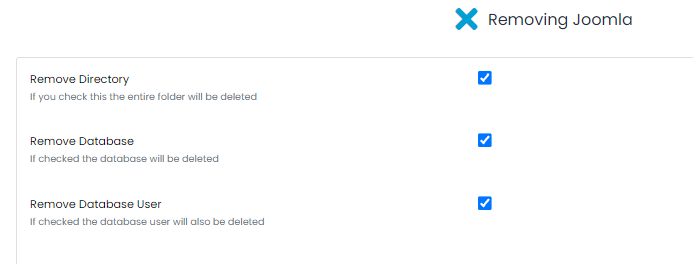
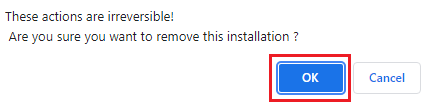
6. It will again ask for confirmation, as this action is irreversible. Click on the Ok button.
7. You will receive a success message after removing the App successfully.
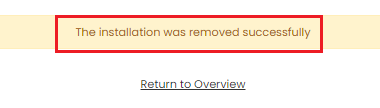
This way, you can uninstall the application successfully using Softaculous. We hope everything is clear now. Our cPanel Knowledge Base area has many tutorials to help you build a successful website.

Explore more hosting insights, tips and industry updates.
Managing FTP access securely is vital for website owners. If you’re using the Plesk Control…
This topic shows how Plesk users can use the Customer Panel to manage PHP settings…
When you open a website that starts with https://, your browser uses a network port…