Virtual Private Server FAQ’S
What type of hardware will my VPS be hosted on? The hardware for your VPS…

Webmail means web-based email. It is an email facility that can be opened using a standard internet browser. It has the ability to send and receive emails from anywhere in the world using a web browser.
In this article, we will explain to you how can you access your Webmail using Plesk.
Follow the following steps to access your webmail using Plesk
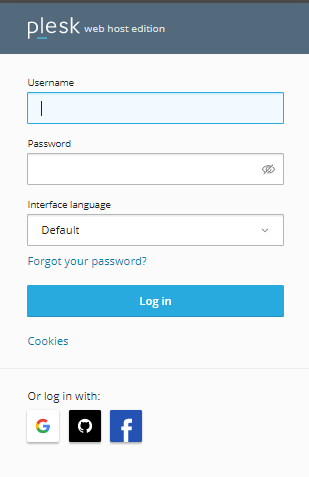
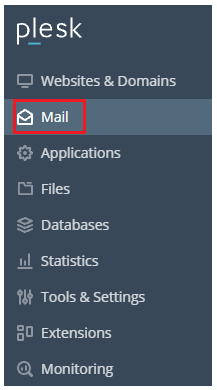

In this way, you can access webmail employing Plesk. We hope you got a clear understanding regarding how to access Webmail using Plesk If you require any additional assistance, please contact our bodHOST support team.

Explore more hosting insights, tips and industry updates.
What type of hardware will my VPS be hosted on? The hardware for your VPS…
An SSL certificate is necessary for online businesses to maintain the security of their website…
When a site displays an HTTP 499 error, it indicates that the client terminated the…