
tmux Cheat Sheet: Commands and Shortcuts Explained
Managing several terminal tasks at once can be difficult, especially when you’re connected to a…

 Serena
This guide explains how to temporarily disable ModSecurity for a domain in cPanel. ModSecurity is a web application firewall that helps protect your website, so it should only be turned off for a short time while troubleshooting.
Let us follow these steps:
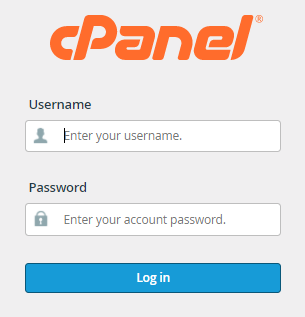
1. Log in to your cPanel account: Open your browser and sign in with your cPanel username and password.
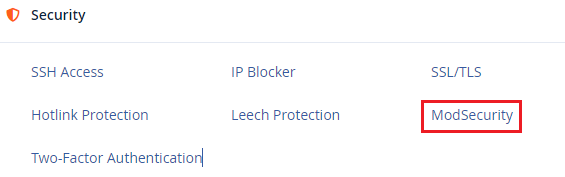
2. Open ModSecurity: In cPanel, go to the Security section and click ModSecurity.
3. Select the domain: You will see a list of domains associated with your account.
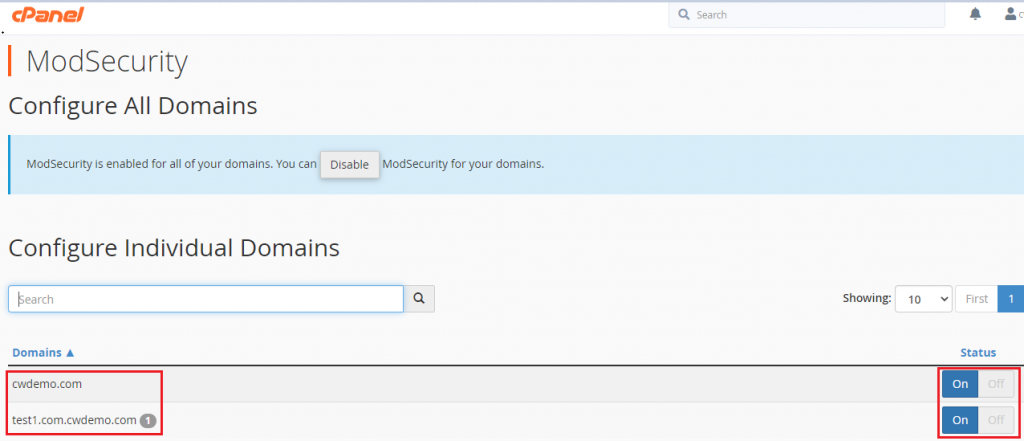
4. Turn ModSecurity off for the domain: Under the domain’s Status, click the switch to turn it Off.

5. Confirm the warning: A warning message may appear when you disable ModSecurity. Confirm the action if you are sure you want to proceed.


6. Check the confirmation: After ModSecurity is disabled, a success message should appear confirming the change.
7. Fix the issue: Resolve the problem you were facing (for example, a blocked script, form, or application feature).

8. Turn ModSecurity back on: Once the issue is fixed, return to the same page and click the switch to turn ModSecurity On again for that domain. A success message should appear after it is re-enabled.

Important Note: Turn ModSecurity back on as soon as the issue is resolved. Leaving it disabled for a long time can put your website at risk. ModSecurity should not remain turned off longer than necessary.
If you need help or have any questions, please contact our support team at any time. You can also explore our web hosting plans for reliable and secure hosting solutions.

Explore more hosting insights, tips and industry updates.
Managing several terminal tasks at once can be difficult, especially when you’re connected to a…
In this post, you will learn the standard instructions for updating Nameservers. Nameservers are the…
Here, in this article, we will learn how to allow the customers Compiler Access using…