
How to Reset the Password for a MySQL Database Client in cPanel
In this post, we’ll look at how to reset the password for a MySQL database…


This article will demonstrate How to Set Up Email Notifications Using cPanel/WHM.
As a VPS user, there will be times when your server will experience major issues/changes such as Account Creation, Exceeding Memory Limits, and so on. You can configure email notifications for cPanel accounts via WHM to notify you of issues on your server.
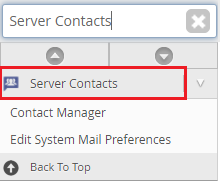
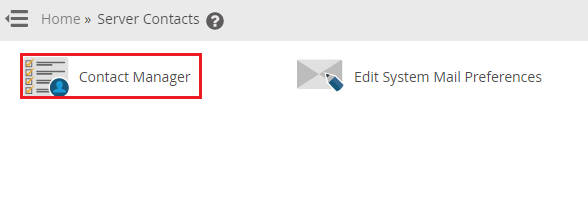
To Configure Email Notifications
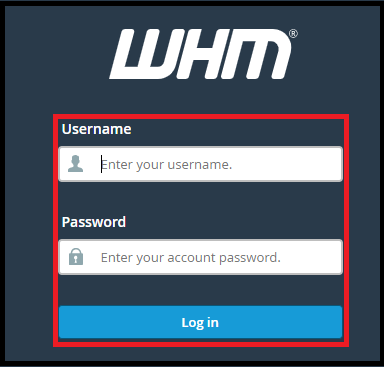
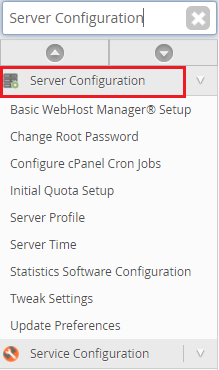
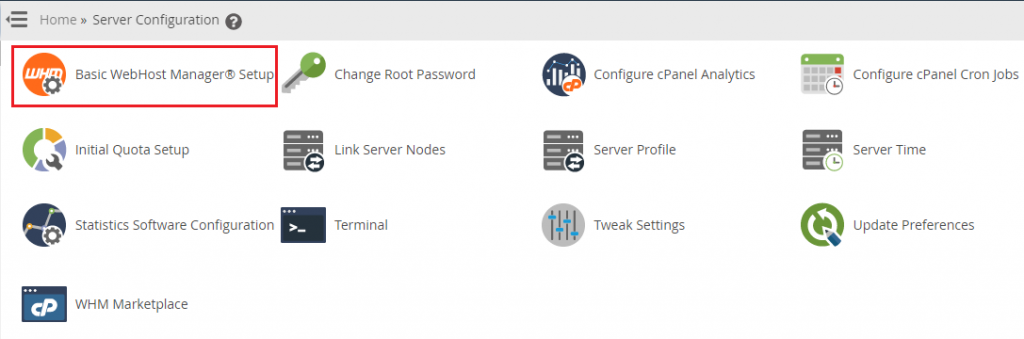
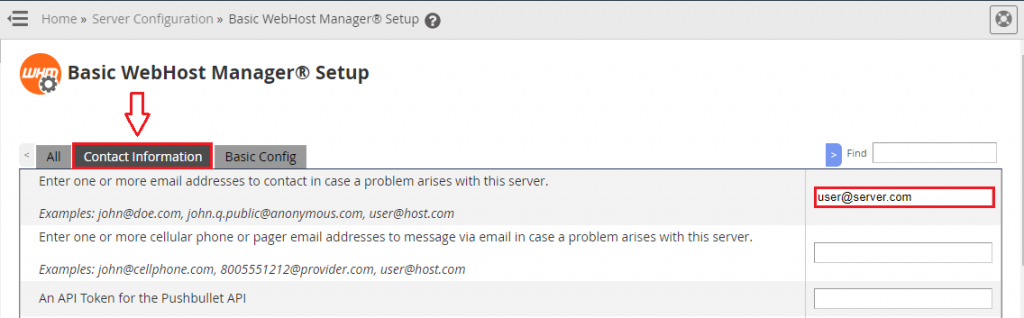
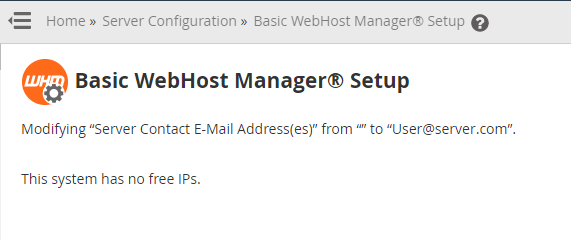
In the text field, type the email address.
Note:- If you want to enter several email addresses, use a comma to separate each address.
The email address will be saved on the server so that you can receive notifications.
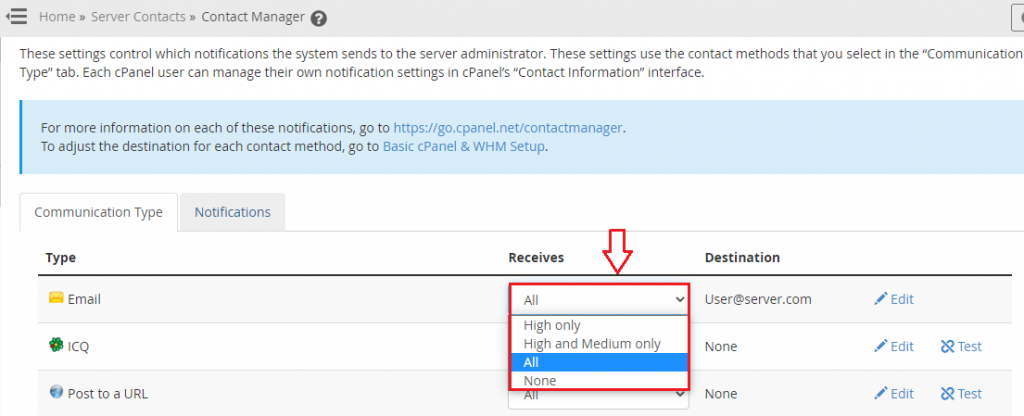
You must now customize the notification settings based on the importance of the notifications.
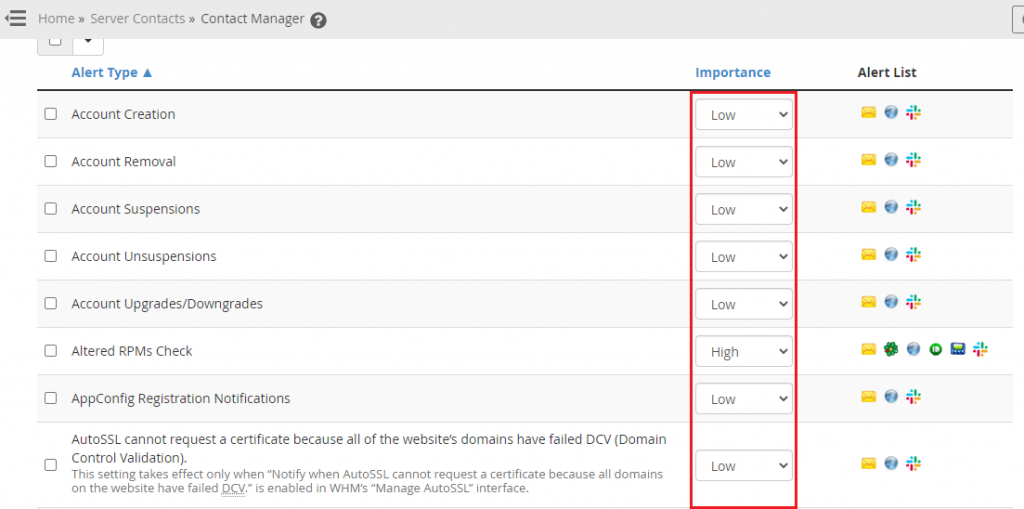
With it, you’ll have finished configuring your cPanel server’s mail notifications. However, if you are still facing any difficulty in the procedure mentioned above, feel free to reach out to the bodHOST Team for proactive support 24×7

Explore more hosting insights, tips and industry updates.
In this post, we’ll look at how to reset the password for a MySQL database…
The default TCP port for FTP connections is port 21. If you are facing an…
ActiveX – Similar to Applets but given greater control to the client’s system to execute…