
How to Make PHP work with IIS
This is one of the problems that we have constantly faced on Windows Serves. Although…

In this tutorial, you will find how to check the Disk space and Bandwidth left in the Plesk control panel.
Let us follow the steps:
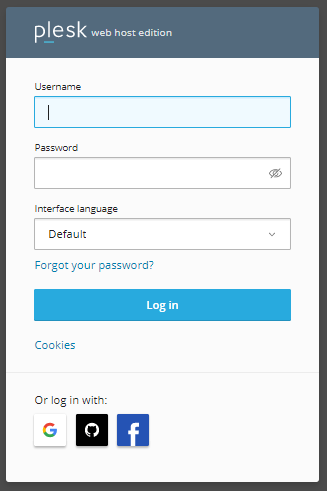
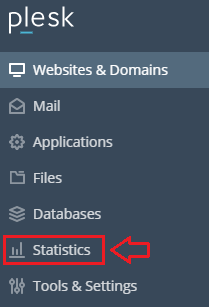
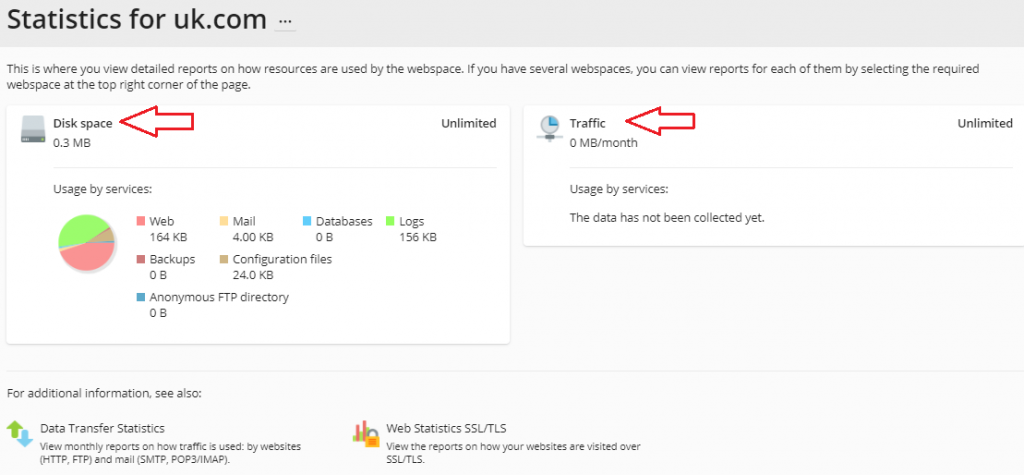
And that’s how you can see how much disk space and bandwidth you have left in Plesk. For any extra help please contact our bodHOST support team. And for regular updates try to check our KB section regularly.
Learn how to manage and limit bandwidth usage in Linux to optimize network performance. Discover practical tools and commands.

Explore more hosting insights, tips and industry updates.
This is one of the problems that we have constantly faced on Windows Serves. Although…
Plesk is a Web safety control panel that is both innovative and user-friendly. It’s a…
A Git repository has multiple branches available both locally and remotely. Remote branches show the…