How to Remove Password Protection from a Directory in cPanel
This guide will explain how to remove password protection from a directory in cPanel. If…


 Serena
This tutorial will teach you how to create a Sub-Domain in Plesk.
A subdomain is a part of your main domain that appears before the domain name and extension. It’s based on a prefix you choose. For instance, see in this example, primary domain is ‘xyz’ and subdomain prefix is ‘kb2’ and ‘.com’ is TLD.
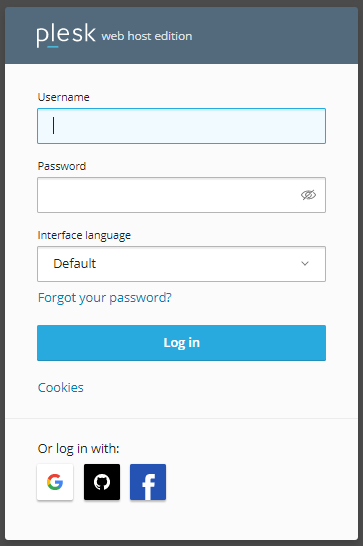
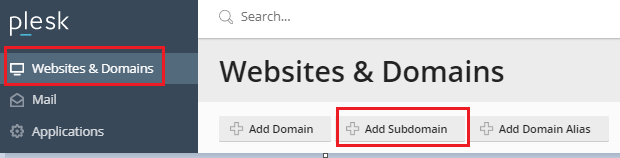
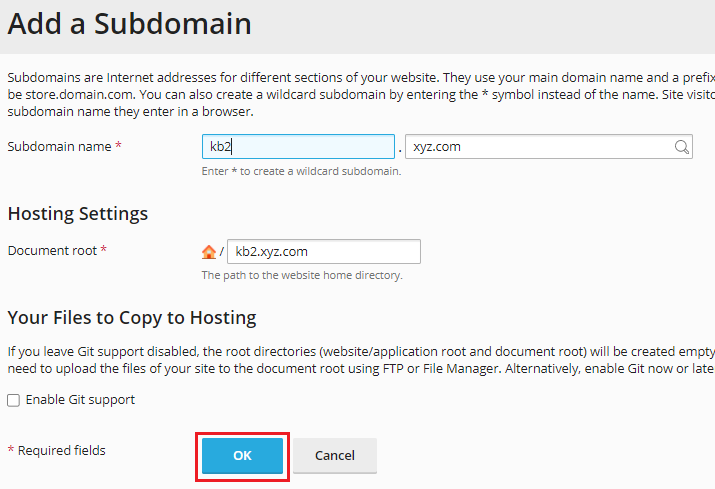
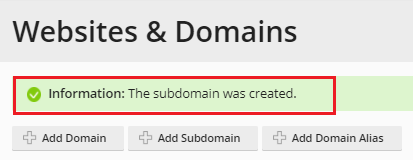

In this way you can create Sub-domain in Plesk. For more support feel to contact bodHOST team today.

Explore more hosting insights, tips and industry updates.
This guide will explain how to remove password protection from a directory in cPanel. If…
Well, you read rightly – the Raspberry Pi 3 can be used as a Web…
In this post, you will learn the standard instructions for updating Nameservers. Nameservers are the…