
Automatically Logoff a Disconnected Windows User
We come across a query of automatically logging in to a Windows user who is…

This guide will show you how to use Plesk to alter the mail exchanger or MX Records. An MX record contains information about the mail server and can be used to set the priority of the MX record in order to plan the order in which the mail servers should be used.
To change the MX record priority in Plesk, follow the methods below:
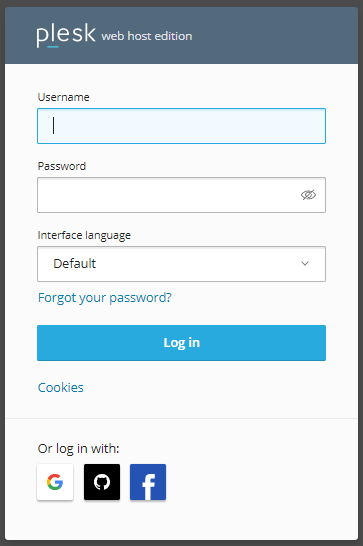
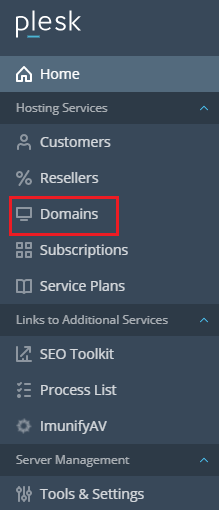
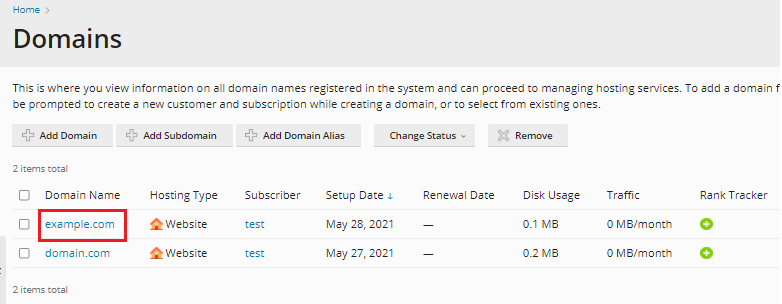
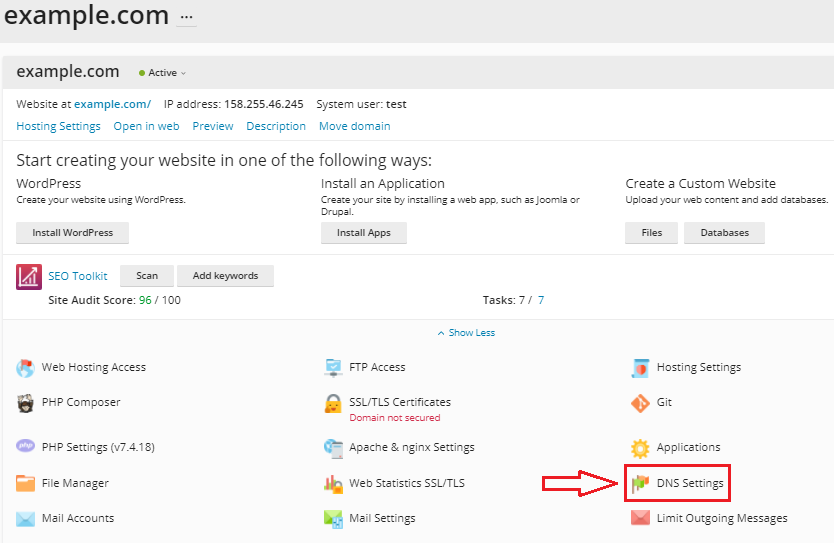
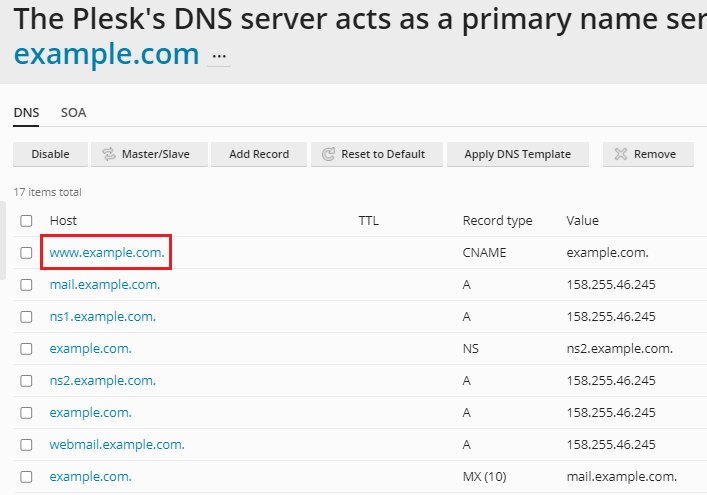
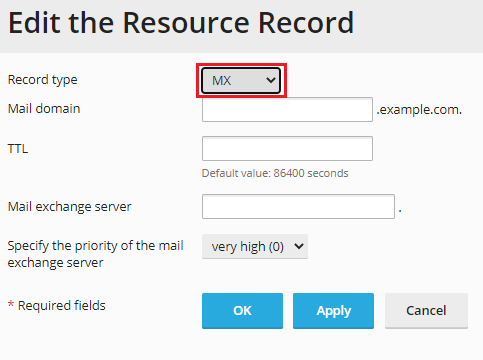
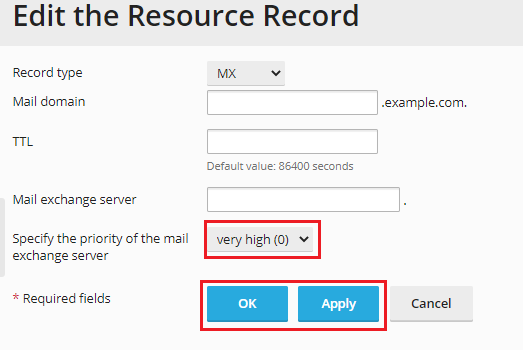
In this way, you can change the priority of an MX record in Plesk. For support feel free to contact our bodHOST support team anytime. We would love to help you out.

Explore more hosting insights, tips and industry updates.
We come across a query of automatically logging in to a Windows user who is…
In this post, you will learn the standard instructions for updating Nameservers. Nameservers are the…
This guide explains how to delete files and directories on a Linux system using command-line…