Functions of a Web Servers
The client’s browser divides the URL into the diff. parts dividing including address, path name…

In this tutorial, we’ll explain how to find your MySQL backup storage location. MySQL backups have configured within the following steps:
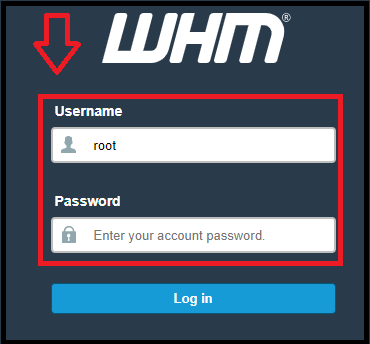
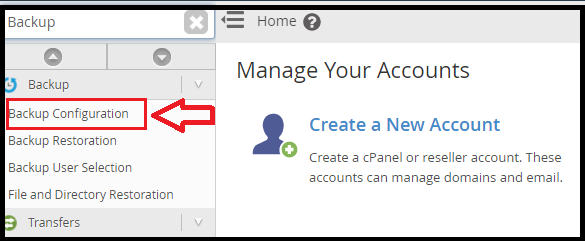
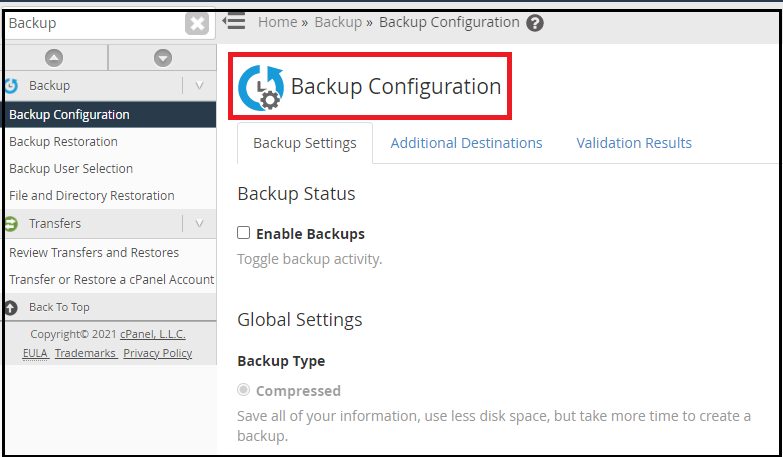
Here, you will see the recent backups. First, you need to check where the backups stored and what kind of MySQL backups have taken:
grep ‘BACKUPDIR\|MYSQL’ /var/cPanel/backups/config
cPanel stores the backups in backup-dir and they retained locally. As these backups are useful for users, it may be advisable to generate a more current backup of MySQL.
MYSQLBACKUP can return any of the following:
Accounts – All the databases under the cPanel account are back up into the accounts’ backup easily.
Dir- The MySQL data directory backup only if the custom data in directories which taken into account.
Both- Every cPanel account has its databases backed up directly into their backup, and the MySQL data directory backed up separately.
You can read more tutorials about How to Resolve: MySQL Command Not Found.

Explore more hosting insights, tips and industry updates.
The client’s browser divides the URL into the diff. parts dividing including address, path name…
What is PHP? PHP is a popular open-source script language that incorporated into HTML and…
The following tutorial explains how to change the permission for a file in cPanel. The…