How to Install Free Let’s Encrypt SSL Certificate for a Domain in Plesk?
In this article, learn to install a free Let’s Encrypt SSL Certificate for a domain…

 Paul Lopez
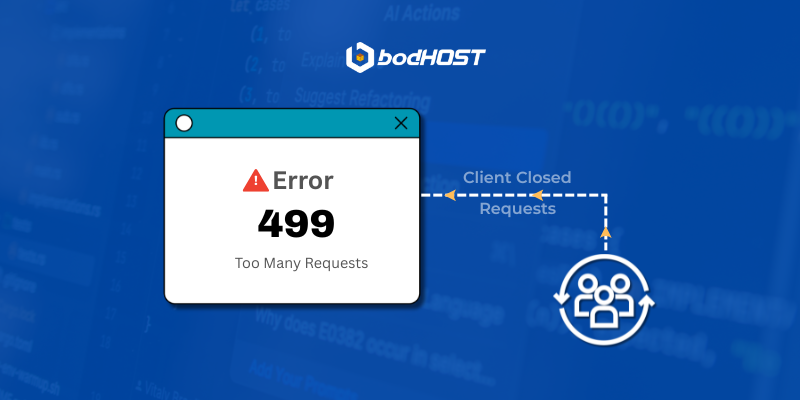
When a site displays an HTTP 499 error, it indicates that the client terminated the connection prior to the server finalizing its response. This error code is frequently encountered on servers such as Nginx, where it is used internally to log situations where the browser or any client disconnects during an ongoing request. Unlike other error codes that suggest a server malfunction, a Code 499 error merely shows that the conversation was cut short by the user, not due to the server’s unwillingness to respond.
Here are the most effective methods to minimize or eliminate Code 499 errors.
A corrupt or outdated cache can lead to incorrect page loads, occasionally prompting the browser to abandon a request. Refreshing the cache ensures the web browser retrieves updated, clean files.
Some web browser add-ons, particularly those that block ads, scripts, or tracking, can disrupt page loading. Testing in a private/incognito window or temporarily disabling extensions can help determine if one of them is causing early request terminations.
Your server logs provide the most relevant information. Look for trends such as:
These logs help identify whether the issue stems from user actions, a code bottleneck, or slow server responses.
APM tools enable you to monitor real-time applications as well as server performance, highlighting:
This information assists in understanding why certain requests take too long, leading users to disconnect.
Certain hosting environments impose strict timeouts. If your application genuinely requires additional time for certain processes, your hosting provider can modify:
Adjusting these settings allows the server more time to fulfill requests before browsers give up.
If your site operates on PHP, modifying the script execution settings can help avoid delays that may result in client disconnections. frequently adjusted values include:
Optimizing these parameters ensures PHP executes tasks promptly without unnecessary delays.
While an HTTP 499 error is not a conventional ‘server error,’ it still indicates that there is a disruption in communication between the client and your server. The key to reducing these errors lies in enhancing stability both from this user’s perspective plus within your backend, ensuring requests can be processed without interruption.
Check out our tutorial, How to Fix the 408 Request Timeout Error, to keep your site running smoothly.

Explore more hosting insights, tips and industry updates.
In this article, learn to install a free Let’s Encrypt SSL Certificate for a domain…
A test for MySQL database connectivity is done using the PHP script mentioned below. It…
If you are getting the following errors in your logs : Sep 5 21:51:43 srv01…