
Difference Between Web Server and Web Client
Whenever you browse a website or use an online application, two main components work together…

This guide illustrates how to manage FTP accounts in Plesk. It allows you to control and secure access to your server files for website management and updates.
Follow the steps below to create, modify, or delete FTP accounts:
Accessing FTP Account Management
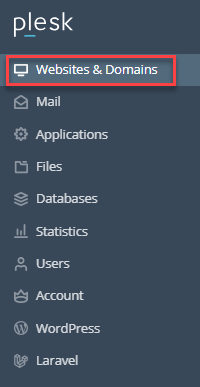
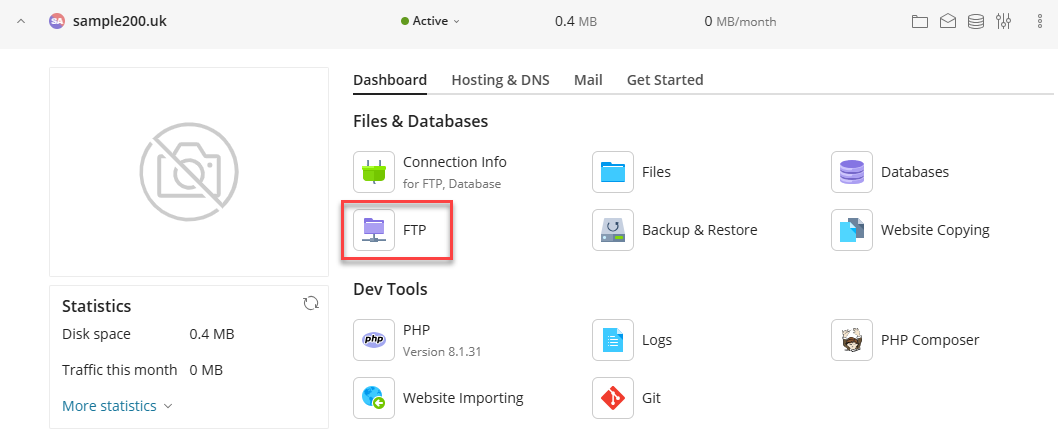
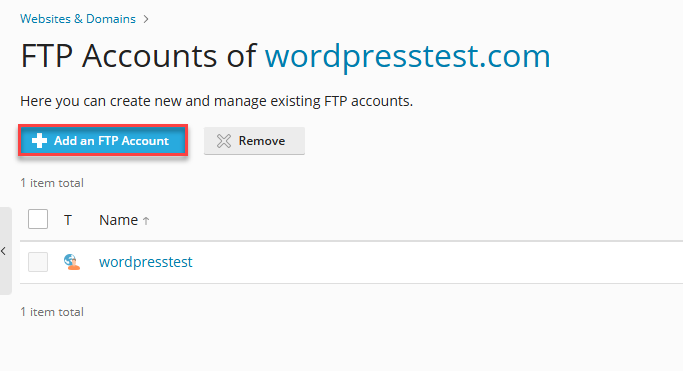
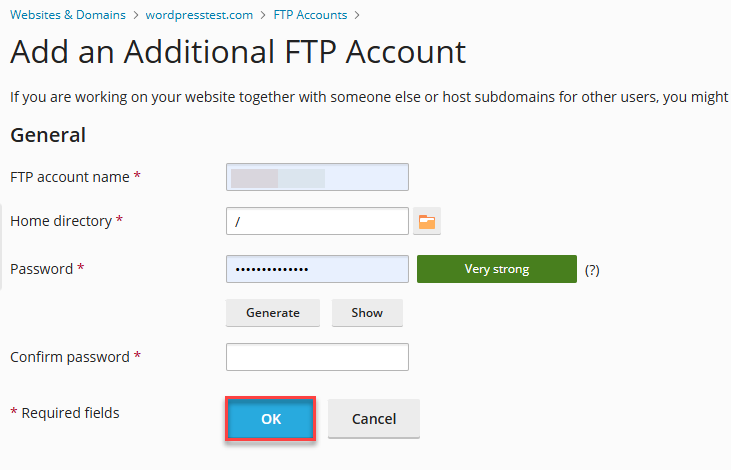
Creating a New FTP Account
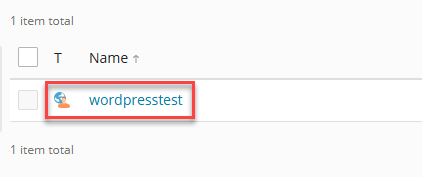
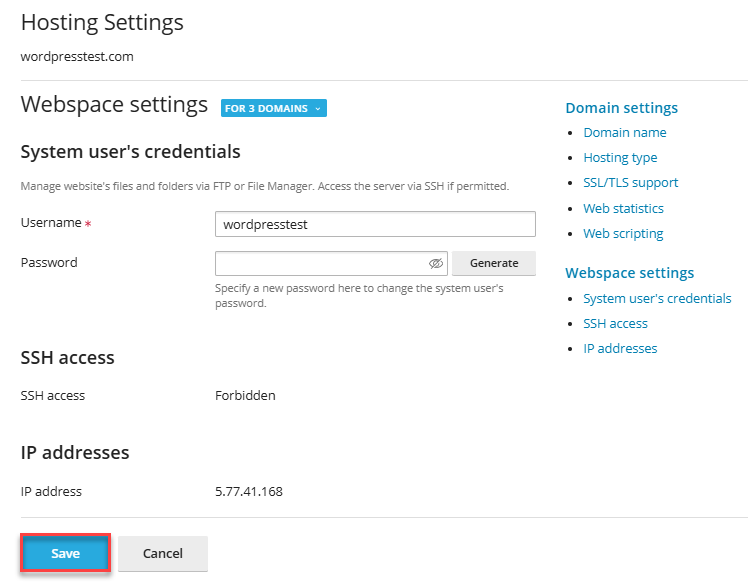
Editing an Existing FTP Account
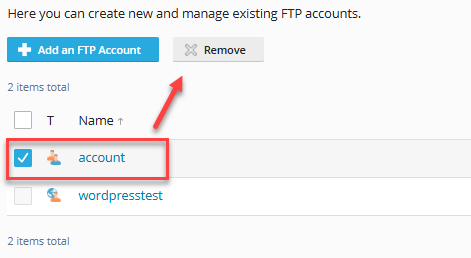
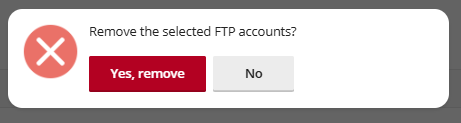
Deleting an FTP Account
Tips for Managing FTP Accounts
By following the above-outlined steps, you can proficiently manage FTP accounts in Plesk, ensuring secure and organized access to your server files. For further assistance, contact your hosting provider’s support team.
Read Also: How to Change an FTP Account’s Password in Plesk

Explore more hosting insights, tips and industry updates.
Whenever you browse a website or use an online application, two main components work together…
What is SSH? The Internet has developed the need for some secure methods of communication.…
Virtual Private Server Hosting is booming day by day. VPS is a virtualization technology that helps…