This tutorial outlines the process of verifying your website for broken links, a vital task for preserving a positive user experience, sustaining SEO effectiveness, and averting potential traffic and credibility setbacks.

Here are steps to check your website for broken links-

  1. Choose a dependable online tool or software for this purpose, such as Google’s Search Console, SEMrush, Ahrefs, or web-based broken link checkers like Dead Link Checker or Broken Link Check.
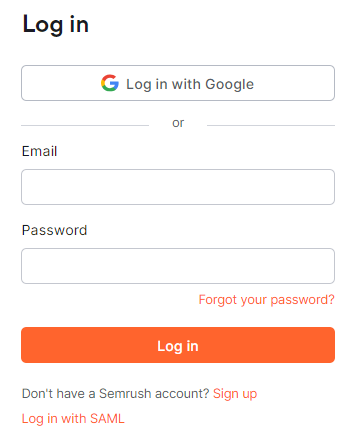
    semrush
  2. To detect broken links, include your project in the search.
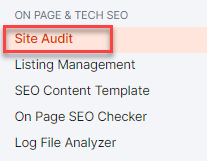
  3. Once your website added, navigate to “Site Audit” in the menu on the left-hand side.
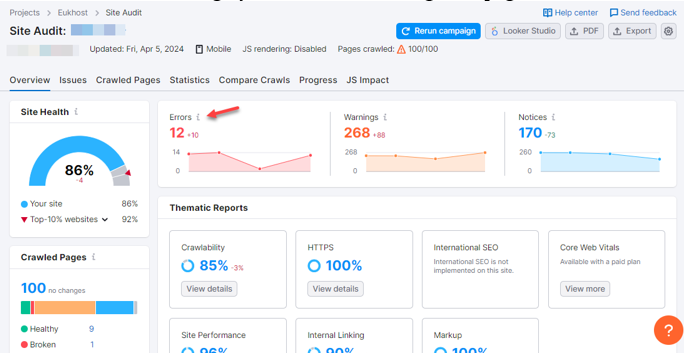
  4. The tool will then scan your website, inspecting each page for links.
    site audit
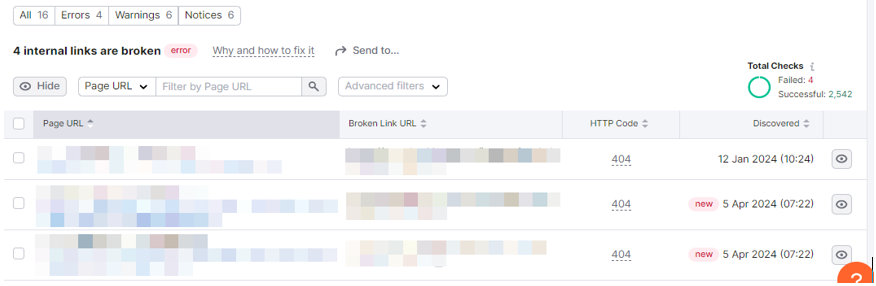
  5. After the scan is finished, examine the results provided by the tool, which will list any broken links discovered on your website along with the specific pages where they are located.
    internal links
  6. Identify and rectify the broken links by updating the URL, eliminating the link, or addressing any underlying issues causing the breakage.
  7. Broken links can arise over time due to URL changes or website updates. It is advisable to routinely check your website for broken links to ensure a seamless user experience.

By adhering to these steps, you can effectively pinpoint and resolve broken links on your website, thereby enhancing user experience and preserving the integrity of your site.

Popular Posts You May Read

Explore more hosting insights, tips and industry updates.

How to Configure WHM Contact Manager

In this article, you will learn how to configure the WHM’s Contact Manager. Use of…

SSH vs SSL: What’s the Difference?

Looking to understand the difference between SSL and SSH. In this article, we will introduce…

How Can You Change The Hostname In cPanel Web Host?

In this post, we will show you how to change your cPanel web host’s hostname.…