How to Check the Size of a Directory in Linux
In Linux, it’s important to monitor the size of your directories to manage disk space…

 Paul Lopez
In this article, you will discover the process of utilizing “Link Server Nodes” within WHM to create connections between servers. Through this interface, you can establish links between servers, enabling the execution of specific operations on one server from another.
Let us follow the steps-
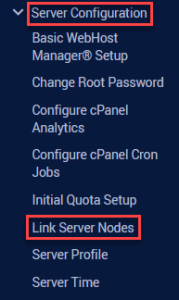
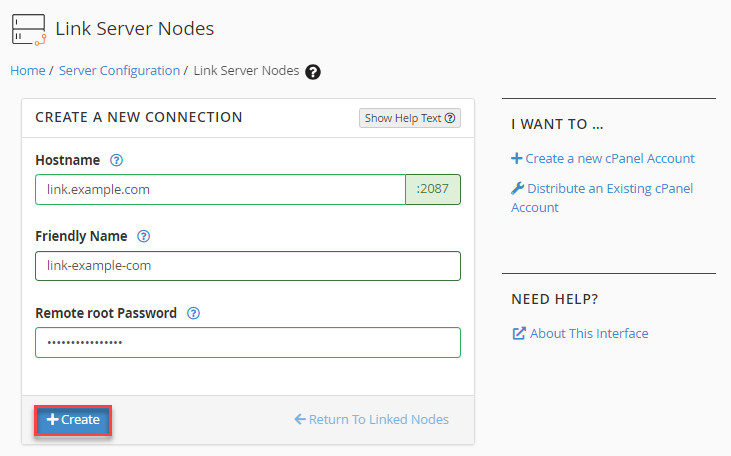
By employing Link Server Nodes in WHM, you can swiftly create connections between servers. Do not hesitate to reach out to the bodHOST support team; they are available to assist you. You can read additional knowledgebase on How to Allot the WHM Feature List to cPanel.

Explore more hosting insights, tips and industry updates.
In Linux, it’s important to monitor the size of your directories to manage disk space…
If you have a website or web application where the main content is located in…
HTTP status codes help you understand how a server responds to a request made by…