ASP Web Hosting
Web hosting is an important part of your website and as a site owner, you…

 Paul Lopez
Choosing a hosting provider is one of the first and most important decisions when launching a website. But have you ever imagined, you have already built your WordPress website, and later you realize your present web hosting service is not meeting your requirements? Maybe your site has outgrown its resources, loads sluggishly, frequent downtime is observed, or you are just not satisfied with the support. These problems can affect your site’s performance, SEO, and user experience. In such a scenario, making the switch is something you must do, not just something you should consider. Luckily, WordPress migration allows you to move your existing website to a better WordPress site hosting provider without losing content or starting over.
There are three proven ways to migrate your WordPress site. Manual migration gives you full control in every step of the process, making it an ideal choice for users with technical knowledge. Plugin-based migration offers a no-code, user-friendly experience using tools that automate most of the work. Last but not least, expert-assisted migration allows authorities to handle the entire process for you, confirming a smooth migration with negligible effort on your part.
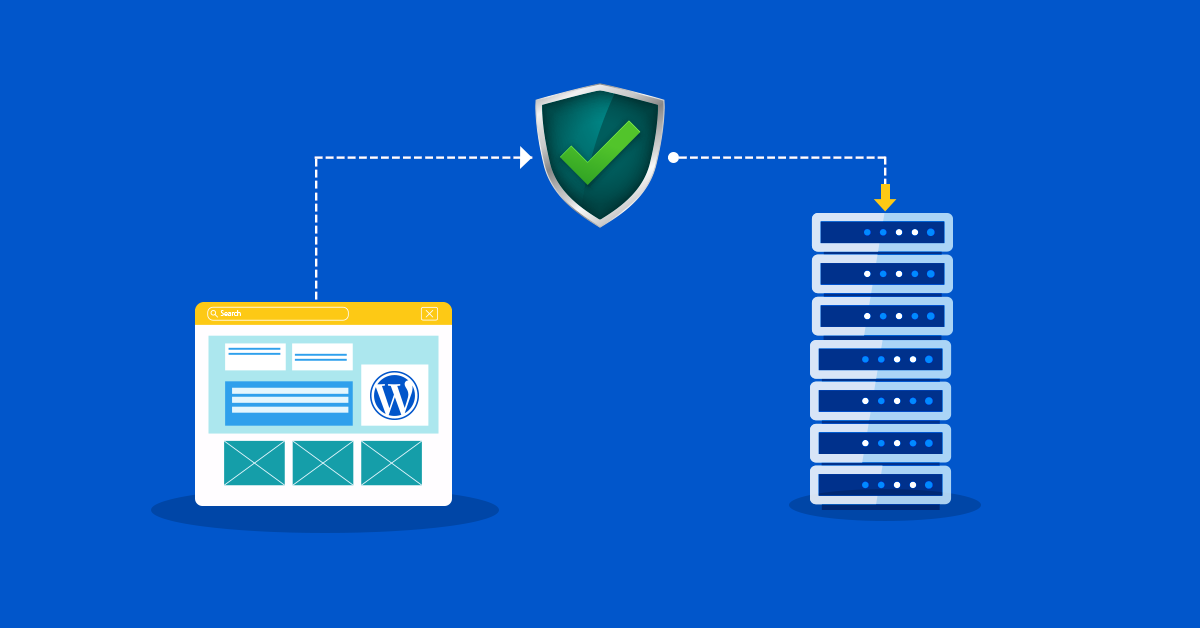
From the above paragraph, you must have gotten a hint of what WordPress Migration is all about. So, let’s dig in detail. WordPress migration refers to the process of moving an existing WordPress website from one hosting provider to another. This includes transferring all website files, databases, themes, plugins, and configurations to confirm your site functions effortlessly on the new server. The main reasons for migration are slow performance, limited growth, and poor support. Therefore, selecting the right managed WordPress hosting is crucial, and if the provider no longer meets your needs, migrating your WordPress site to another host becomes the only practical option.
Migrating your WordPress website might sound difficult, but it doesn’t have to be. Whether you are switching hosts for better speed, reliability, or support, there are three proven methods to migrate your site smoothly, no matter how much technically sound you are.
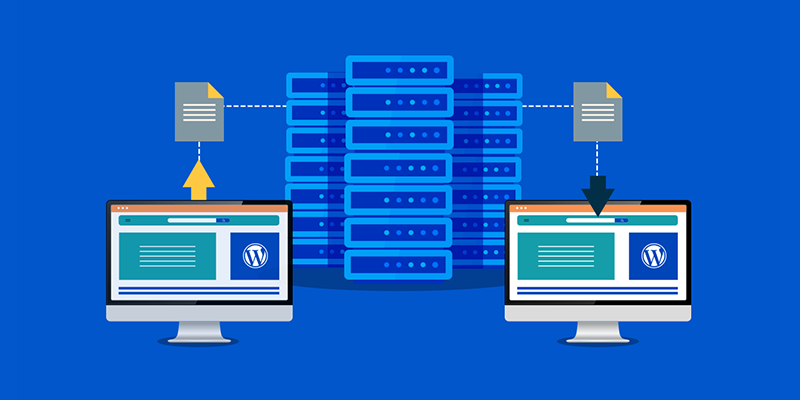
There are a few important steps you should take before beginning the migration of your WordPress website in order to ensure a smooth and error-free process. To stay safe, first back up your website’s files and database manually or with a backup plugin. After that, make sure you can access your domain registrar so you may later change the DNS settings. Disable all cache plugins and CDN services for the time being to prevent problems during the migration. In case you need to reinstall or troubleshoot after the migration, make a note of the plugin and theme versions you currently have.
After transferring your WordPress site to a new host, there are a few final steps you should take to complete the process and ensure everything works smoothly:
Even with proper planning, a few common issues can occur after a WordPress migration. For example:
This WordPress migration troubleshooting tips can help you quickly resolve post-migration issues and ensure your website runs smoothly on its new hosting platform.
The long-term feasibility of your website depends on your choice of web host. When assessing providers, look for value for money, uptime reliability, security features, and performance. One of the greatest website hosting companies is bodHOST, which is a great option for anyone wishing to enhance their WordPress site hosting because of its excellent infrastructure, round-the-clock assistance, free WordPress migration, and good security. Bodhost offers hosting designed for scalability and peace of mind, whether you are operating a growing business website or a blog.
Migrating a WordPress site may seem technical, but with the right approach, it’s manageable. Improving the performance, reliability, and support of your website is the same whether you decide to migrate manually, use a reputable plugin, or get expert assistance from companies like bodHOST. You can guarantee a smooth move without losing data, traffic, or SEO rankings by adhering to the detailed procedures and post-migration advice provided in this guide. Most significantly, choosing the best WordPress site hosting company will provide the framework your website needs to develop and function at its peak. Are you prepared to switch? Examine bodHOST’s hosting packages to take advantage of free professional migration with no downtime.
Q1: What is the easiest way to migrate a WordPress site?
The easiest way to migrate your WordPress site is by using a plugin like All-in-One WP Migration or WP Migrate. These tools simplify the process with just a few clicks.
Q2: Can I migrate without downtime?
Yes, specifically with expert-assisted migration and proper DNS handling.
Q3: Is All-in-One WP Migration free?
Yes, the basic version is free. Advanced features require a paid upgrade.
Q4: Which is the best web host for small business WordPress sites?
bodHOST offers reliable, secure, and affordable hosting with free migration.
Q5: How long does migration take?
Anywhere from 15 minutes to a few hours, depending on your method and site size.
Q6: Will migration affect SEO?
Not if done properly. Make sure all URLs, permalinks, and SEO plugins/settings are preserved during migration. Monitor for broken links and fix redirects if needed to maintain rankings.
Q7: How to fix broken links or images?
Use a link checker tool and update URLs with a plugin like Better Search Replace.
Learn more in our detailed article: The Future of AI in WordPress: How AI Will Shape Your Website

Explore more hosting insights, tips and industry updates.
Web hosting is an important part of your website and as a site owner, you…
Are you seeking to enhance the security of your RDP server? You have come to…
What is a Data Center? The data center is used for defining facilities that comprise…