
How to Use the DIG command
This article explains how to use the DIG (Domain Information Groper) command, an essential tool…

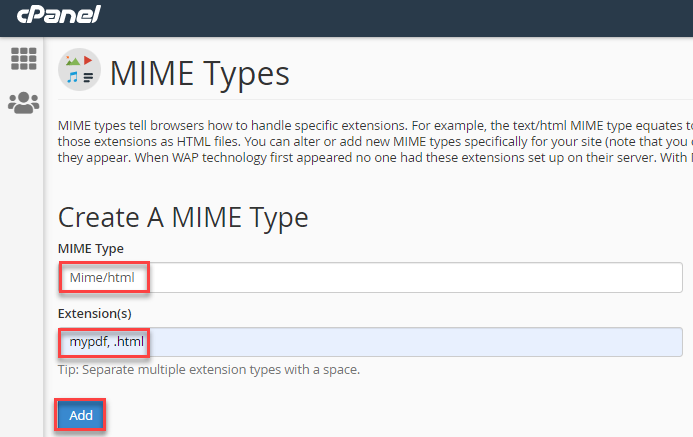
In this article, you will find how to generate a MIME type using cPanel. To know the files on the internet this method is used depending on the type and setup. It specifies the nature and design of a document, file, or range of bytes.
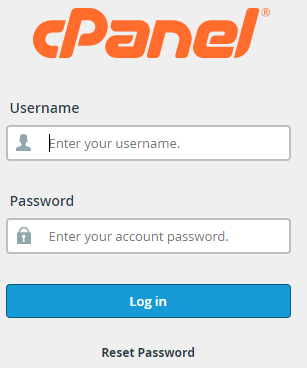
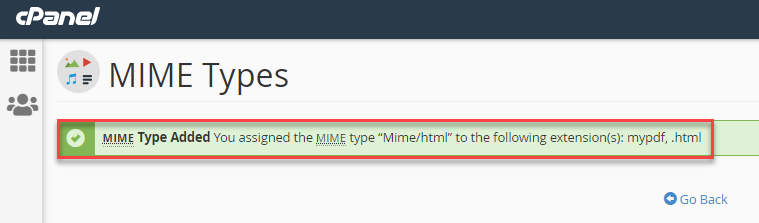
To generate a MIME type using cPanel, follow the steps:

We hope that by following these steps you can generate a MIME type using cPanel. If you’re still facing any problems, reach out to the bodHOST team to get unmatched support.

Explore more hosting insights, tips and industry updates.
This article explains how to use the DIG (Domain Information Groper) command, an essential tool…
This guide shows you how to check the size of PostgreSQL databases and tables using…
When working with Git, branches allow developers to work on different features or fixes without…