cPanel – Web Host Manager for Server Management
The Web Host Manager is the mostly used control panel, in the administration of the…

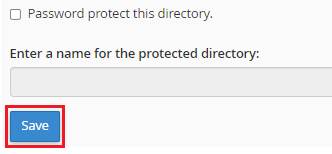
This guide will explain how to remove password protection from a directory in cPanel. If you no longer require safeguarding it, you can remove the password.
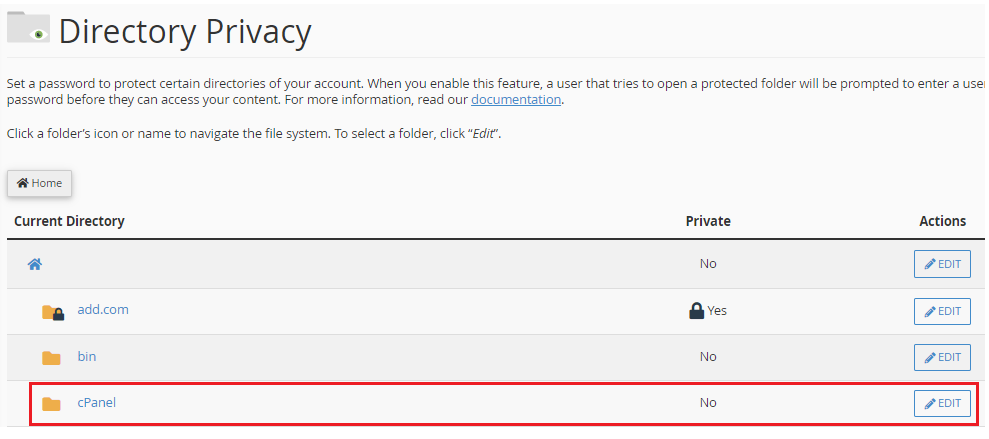
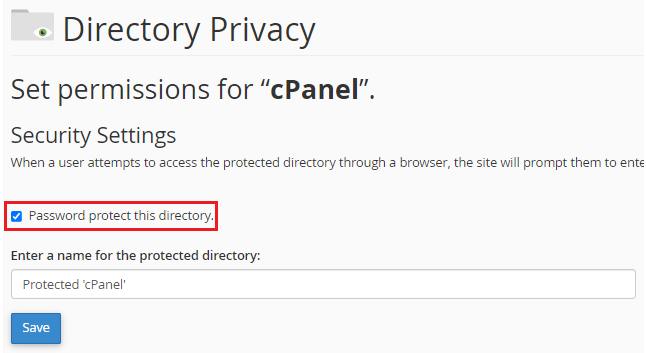
Let us follow the steps to password protect a directory in cPanel:
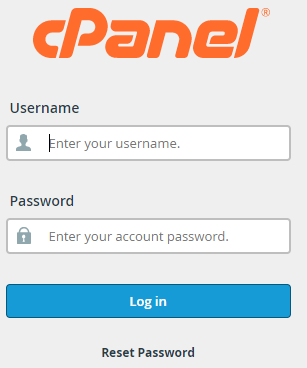
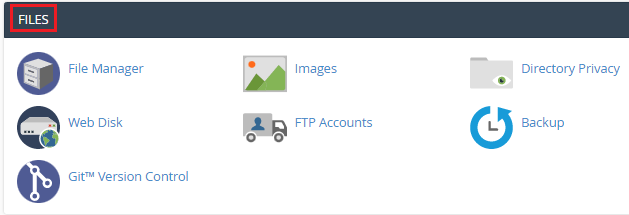
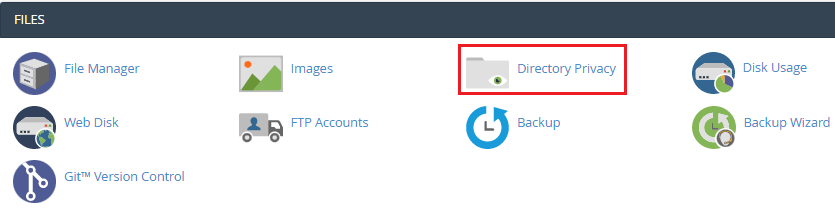

So, this was the end of our discussion. For any queries contact the bodHOST support team, they are available for you 24×7. Also, check out their latest cPanel Web Hosting plans.

Explore more hosting insights, tips and industry updates.
The Web Host Manager is the mostly used control panel, in the administration of the…
Session Initiation Protocol (SIP) is a signaling protocol widely used in Voice over IP (VoIP)…
This section tells you how to manage cPanel’s email settings. These settings will be required…