
How to Add /tmp Security in Centos7?
In this post, we will demonstrate how you can add /tmp security in Centos7. Primarily,…

The following article explains how to double-check the number of IP addresses in WHM. It’s a numeric address in the format ‘1.2.3.4’ that your Linux VPS and other internet-connected devices use for online communication.
Follow these steps, to check the number of IP addresses in WHM:
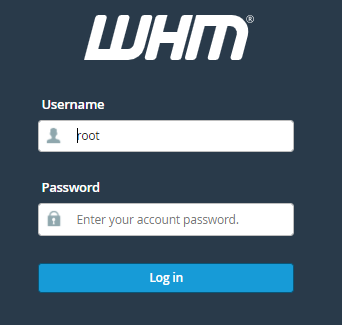
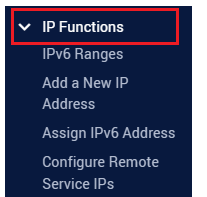
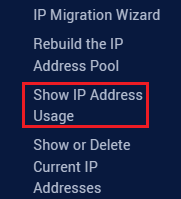

You can easily track the number of IP addresses utilized in WHM in this manner. More useful articles can be found in our knowledge base section. Also, check out the latest web hosting plans.

Explore more hosting insights, tips and industry updates.
In this post, we will demonstrate how you can add /tmp security in Centos7. Primarily,…
You have to log in to your admin area. Click on the ”products and services”…
In this article, we will explain how to uninstall Imunify360 in WHM Follow the steps…