Business, Technology and Dedicated Servers
Today, with so much advancement in the technology, doing online business has become one of…

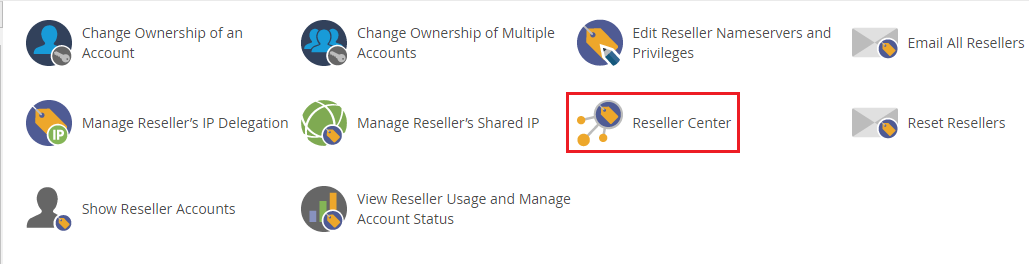
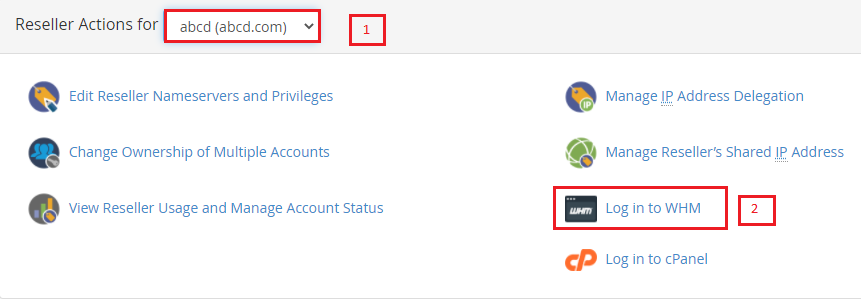
You can offer reseller privileges to any user under your WHM hosting as a server owner. WHM users with root access can also log in and take over the WHM account of their reseller customer. You can use it to set configurations and handle your client’s service affairs directly.
Follow the following steps given below
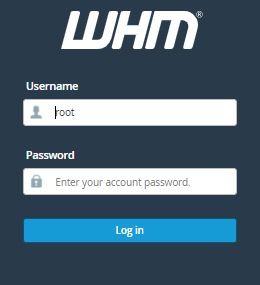
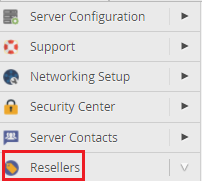
We hope that you now have a good understanding of How You Can Log Into Your Reseller Client’s WHM Account. If you continue to have problems with the protocol outlined above, please contact the bodHOST Team for constructive assistance 24×7.

Explore more hosting insights, tips and industry updates.
Today, with so much advancement in the technology, doing online business has become one of…
An SSL certificate works with a private key to secure communication between a server and…
Many Ubuntu users eventually come across software that’s only available as an RPM file, which…