
How To Fix the “Server IP Address Could Not Be Found” Error
Seeing the message “Server IP address could not be found” can be frustrating, especially when…

 Vincer
Apache is an open-source HTTP server. It comes with a lot of useful features and can be expanded with a number of modules. If you’re a programmer or a system administrator, you’ve probably dealt with Apache on a regular basis.
When working with an Apache web server, the most common tasks are starting, halting, and restarting/reloading. Various Linux distributions provide different commands for managing the Apache service. This article will demonstrate how to restart Apache using WHM.
Follow the following steps to restart your Apache via WHM
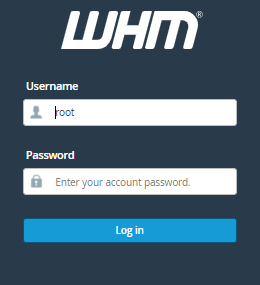
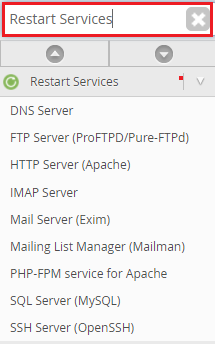
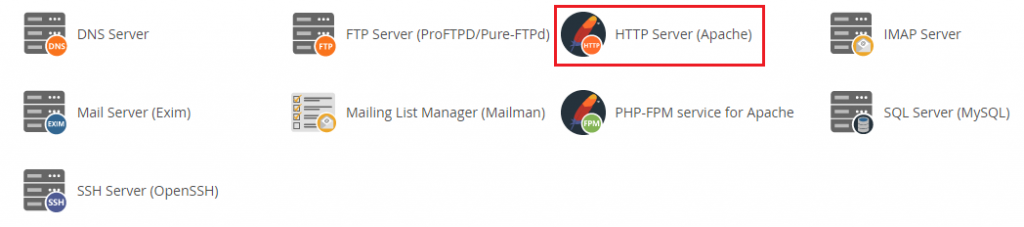
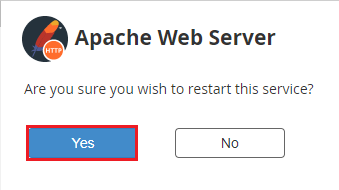
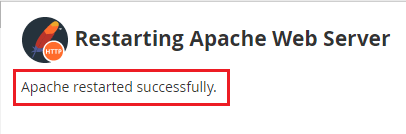
We hope that you now have a good understanding of How to Restart Your Apache Via WHM. If you continue to have problems with the protocol outlined above, please contact the bodHOST Team for constructive assistance 24/7.

Explore more hosting insights, tips and industry updates.
Seeing the message “Server IP address could not be found” can be frustrating, especially when…
Whether you’re building a blog, a business site, or an online store, adding links and…
Exchange Servers started in 1993 and have grown significantly since then. Microsoft built it on…