What is RAID Storage? Complete Guide to RAID Levels
What is RAID? RAID stands for Redundant Array of Independent Disks. It is a technology…

In this article, you’ll learn how to modify your WordPress profile, To make changes to your WordPress profile. The steps to modify your WordPress profile are as follows:
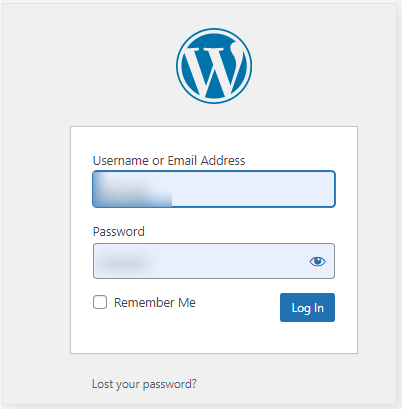
1. You need to log into your WordPress “Account as root user”
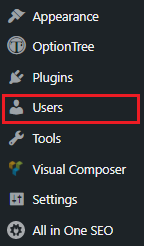
2. You can see “Users” on the left sidebar.
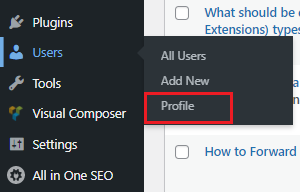
3. Now, Click on the “Profile Option”
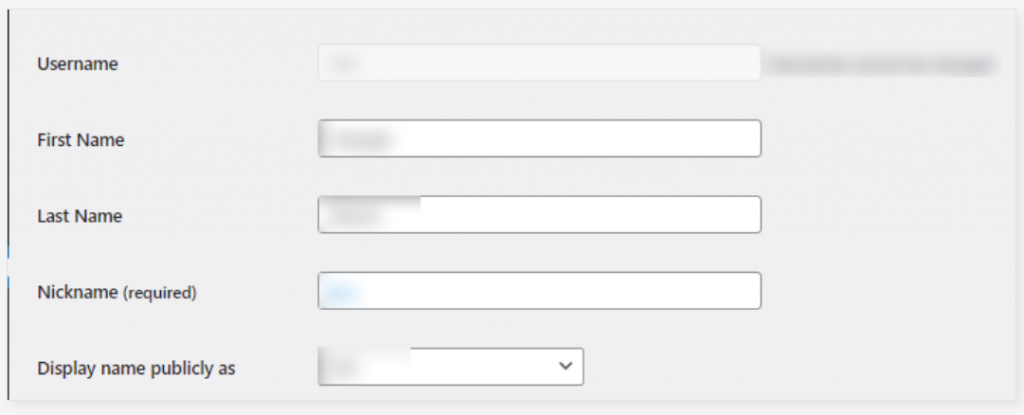
4. You need to update your “Personal Information” in this area.
5. If you want to, you may enter “biographical information” here.
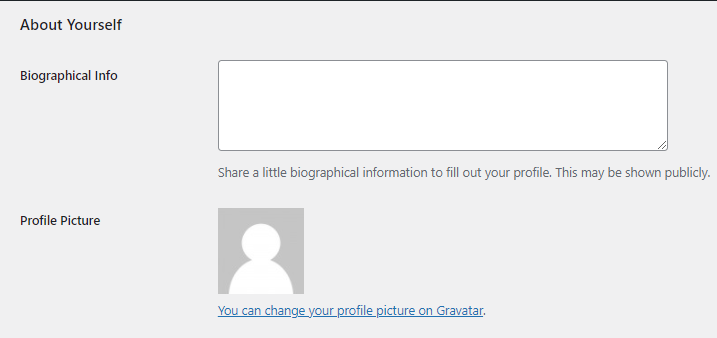
Then you’re finished. By clicking on it, you can make changes to your profile. That’s how you change your WordPress profile’s settings.
We hope that you now have a good understanding of How to Change the Profile in WordPress. If you still have problems with the above-mentioned steps then feel free to contact the bodHOST team for constructive assistance 24 hours a day, 7 days a week.

Explore more hosting insights, tips and industry updates.
What is RAID? RAID stands for Redundant Array of Independent Disks. It is a technology…
This article illustrates how to install Clang on Ubuntu 20.04 and 22.04. Clang serves as…
Spam filter customization is essential to keep your inbox organized and secure. Proper configuration reduces…