Site Resolution Issues with DNSSEC Enabled
Problems with site resolution Issues with DNSSEC enabled are more common than you might think.…

In this post, we’ll look at how to reset the password for a MySQL database client using cPanel.
To reset the MySQL database user password via cPanel, follow these steps:
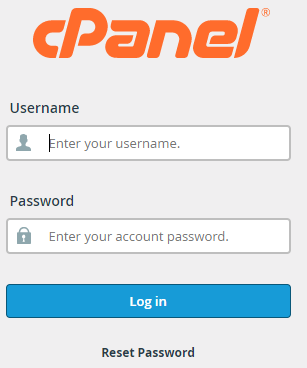
1. Login with your cPanel credentials.
2. You’ll be sent to the cPanel main page. Select the “Database” category and then the “MySQL Databases” icon from the drop-down menu.

3. Under the Current Users option, locate the user whose password has to be changed and click “Change Password”.

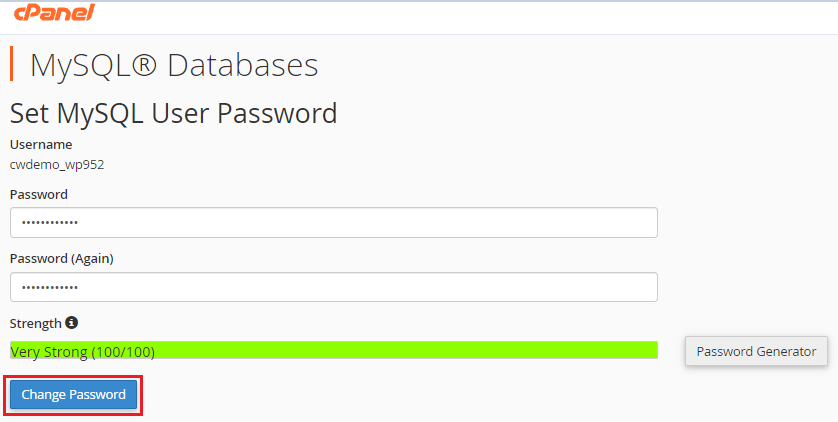
4. The “Set MySQL user Password” option can be found here. Type the password twice, then check the strength of the password. In terms of security, the password “Strength” should be very strong. One could also use a “Password Generator” to create a password.
5. Select “Change Password” from the drop-down menu.
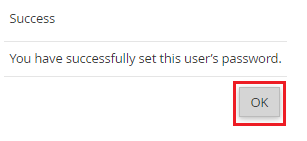
6. You’ll see a notice indicating that you’ve successfully changed the user’s password.
The MySQL Database customer’s password can be readily updated from cPanel in this approach. Today, get a pre-secured, pre-optimized website hosting service with 24/7 technical support. If you require any additional support, please submit a request to our support team. We’d be willing to take a look.

Explore more hosting insights, tips and industry updates.
Problems with site resolution Issues with DNSSEC enabled are more common than you might think.…
In this post, we’ll go over what API is and how to use it to…
Introduction If you’re diving into the world of web hosting terminology, knowing the right terms…