
Install Fail2ban on Ubuntu
This guide explains how to install Fail2ban on Ubuntu 22.04. A strong intrusion prevention software…

This guide explains, how to use cPanel to Install AbanteCart using Softaculous. Through cPanel, you can effortlessly install any type of e-commerce application.
Let’s take a look at the steps:

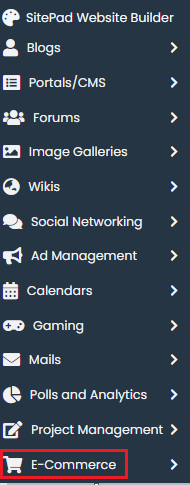
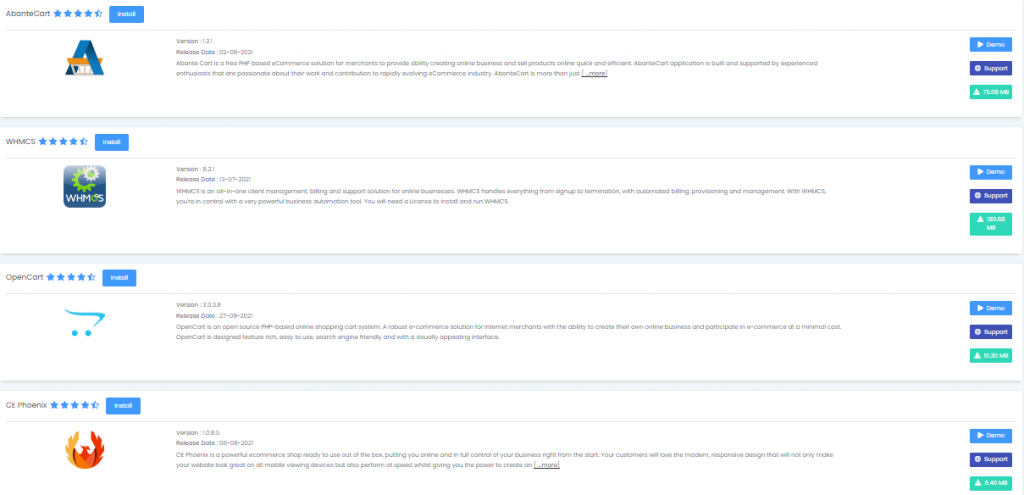
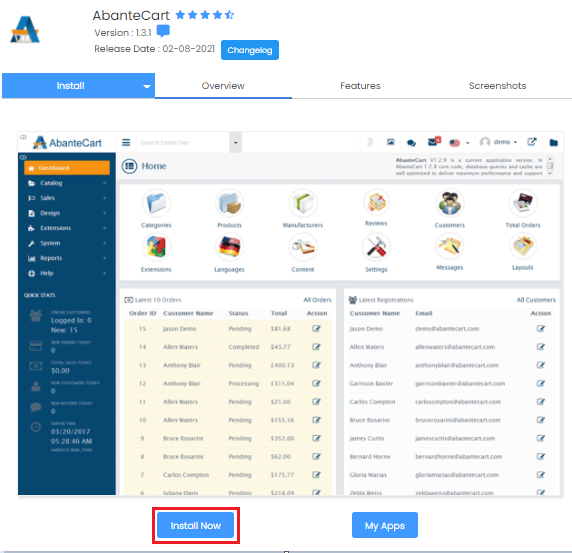
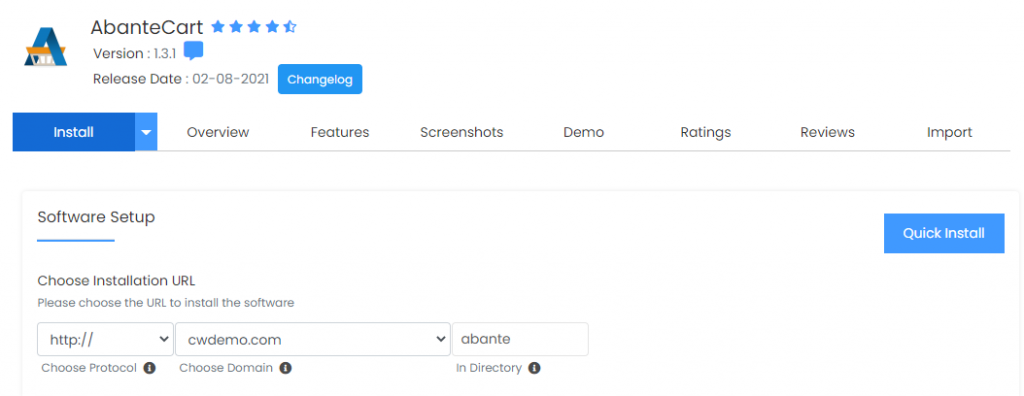
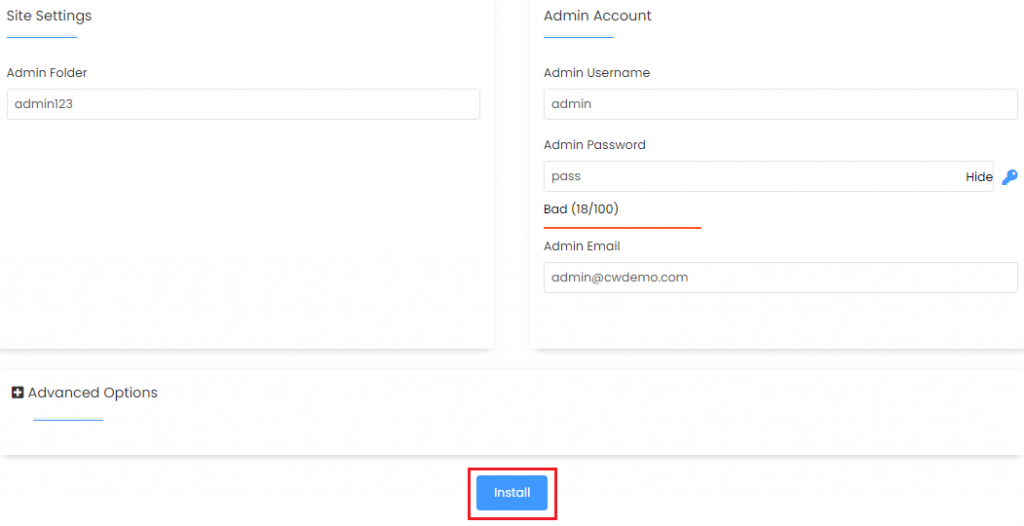

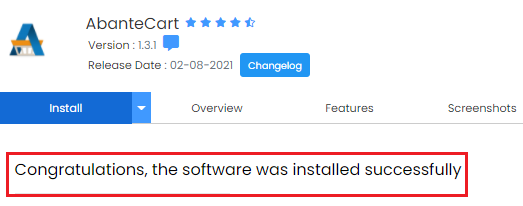
In this manner, you may install AbanteCart using Softaculous in cPanel. We hope you comprehended each and every step completely. If you have any problems, please contact our bodHOST support staff.

Explore more hosting insights, tips and industry updates.
This guide explains how to install Fail2ban on Ubuntu 22.04. A strong intrusion prevention software…
There’s a great crowd of webmasters searching on custom name servers, especially for branding. But…
In this article, you’ll learn how to modify your WordPress profile, To make changes to…