
How to Change SSH Port in Red Hat Enterprise Linux
If Security security-enhanced server or SELinux is enabled on your server, there is a default…


In this article, you will find how to use the cPanel Site Publisher to make it simple to build a single-page website. In just a few simple steps, you can create professional-looking corporate, personal, or under progress pages.
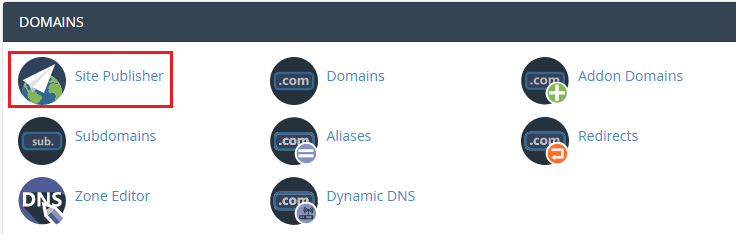
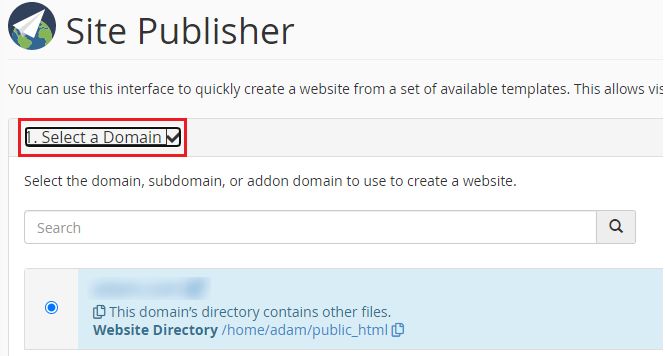
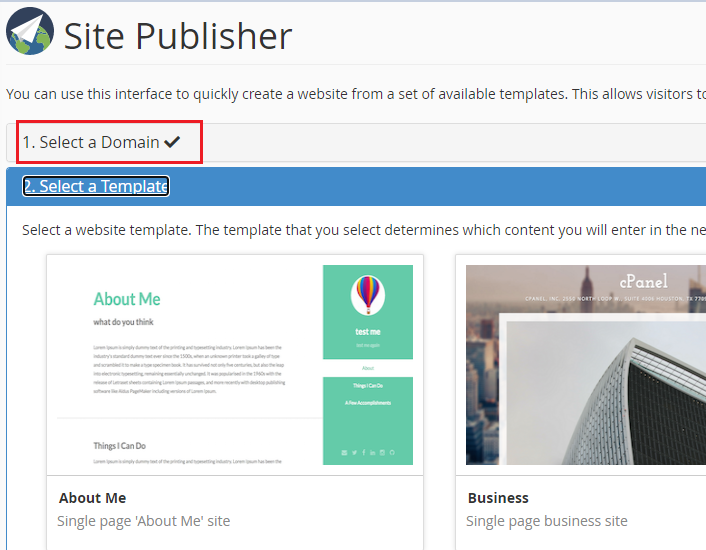
Follow these steps to establish a site with cPanel Site Publisher:
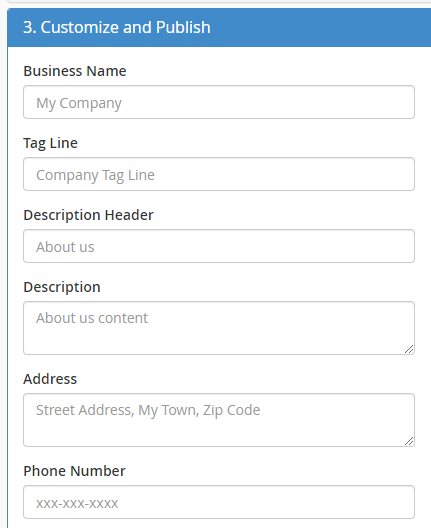
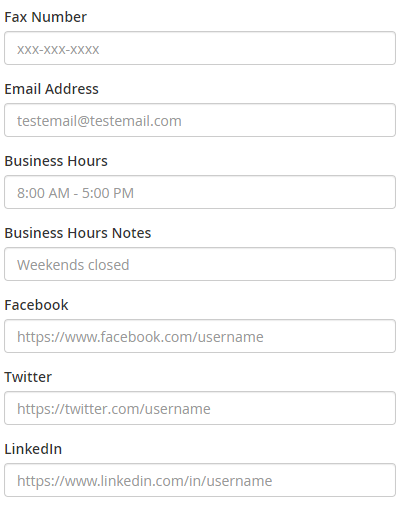
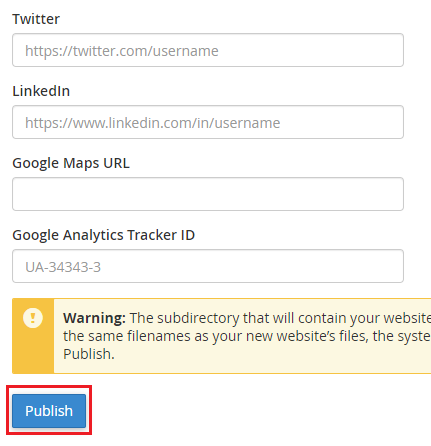
In this way, you can use the cPanel Site Publisher to make it simple to build a single-page website. For more help don’t forget to get in touch with our Support Team at any time. Do check our website for the latest web hosting plans.

Explore more hosting insights, tips and industry updates.
If Security security-enhanced server or SELinux is enabled on your server, there is a default…
If you do not have the special programming knowledge, but you are willing to create…
Zen Cart Shopping Cart is a flexible open-source eCommerce solution that makes online selling simple,…