A well-liked tool for developing, testing, and modifying APIs is Postman. This is a step-by-step tutorial for setting up Postman on a Windows 10 PC.

To install Postman on your Windows system, follow these steps:
  1. Open any web browser
    Go to https://www.postman.com/.
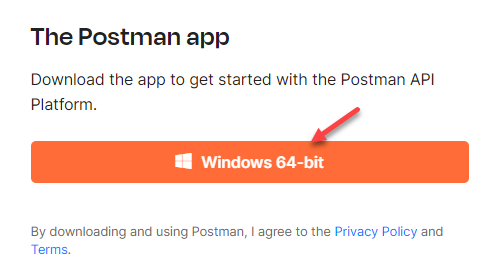
  2. Download Postman for Windows:
    Click on the Windows button to initiate the download.
  3. Choose the 64-bit version:
    Select the Windows 64-bit option to download the appropriate version.
    windows
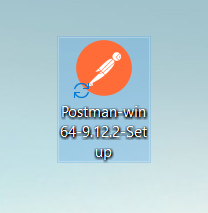
  4. Run the executable file:
    Once the download is complete, locate the executable file in your system’s Downloads folder and double-click to run it.
    executable
  5. Start the Installation Process:
    The installation process will begin, which typically takes about a minute to complete.
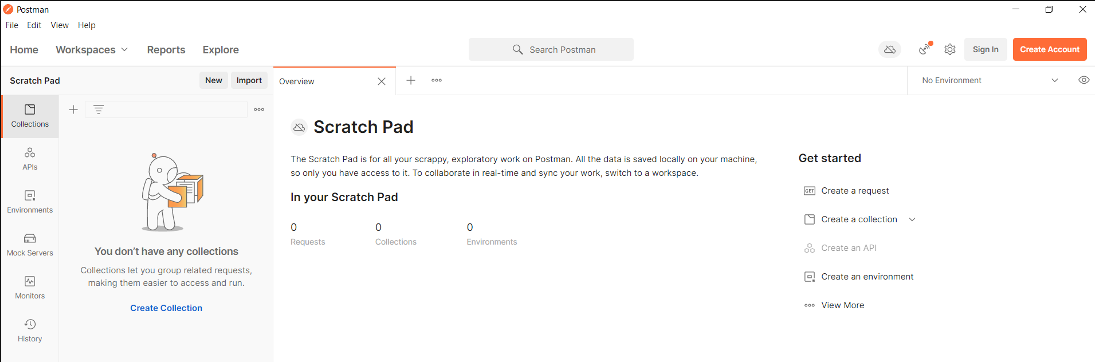
  6. Launch Postman:
    After the installation is finished, the Postman software will open automatically, displaying its interface.
    interface
  7. This way, you have successfully installed Postman on your Windows system, and a desktop icon has been created for easy access.

That is it! Seek help from our support team if required.

Popular Posts You May Read

Explore more hosting insights, tips and industry updates.

How to Fix ERR_SSL_PROTOCOL_ERROR?

In this guide, you will learn to troubleshoot and fix ERR_SSL_PROTOCOL_ERROR. Web browsers frequently display…

How Can I Restore Old Settings to My cPanel Server?

Introduction In this Knowledge base, you will find the cpconf tool is used to backup…

How to Make PHP work with IIS

This is one of the problems that we have constantly faced on Windows Serves. Although…